Bug #93878
openOp Consult > Clinicare > History (Subjective) – Allergies Add/Delete Function
0%
Description
Description:
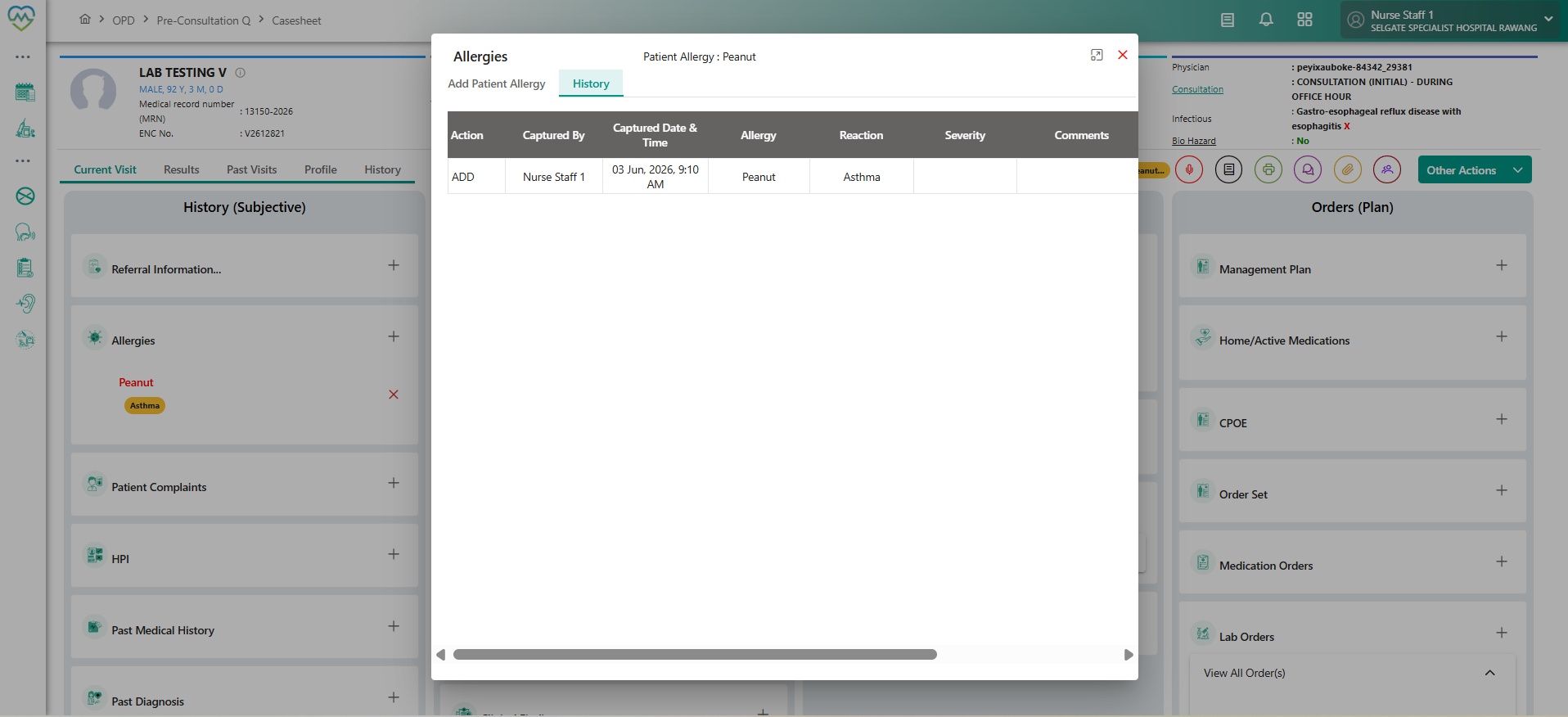
In the Allergies section under History (Subjective), users face problems when adding or deleting allergy records.
Add: Free text entries (via “Can’t Find Allergy”) do not save into patient records.
Delete: Existing allergy entries cannot be removed because the Reason dropdown shows “No results found.”
Steps to Reproduce (Add):
Navigate to History (Subjective) > Allergies.
Tick Can’t Find Allergy.
Enter details in AllergyFreeText.
Click Save.
Steps to Reproduce (Delete):
Navigate to History (Subjective) > Allergies.
Select an existing allergy entry.
Click Delete.
In the Delete Confirmation window, attempt to select a Reason.
Actual Result:
Add: Free text allergy entries are not saved.
Delete: Reason dropdown is empty, preventing deletion.
Expected Result:
Add: Free text allergy entries should be saved and displayed in the allergy list/history.
Delete: Reason dropdown should display valid options, and once selected, the allergy record should be deleted.
Impact:
Clinicians cannot properly document allergies outside predefined options.
Incorrect or outdated allergy records cannot be removed.
Leads to incomplete or misleading documentation, with potential patient safety risks. **
Files
No data to display