Gaps #87406
openGaps #86698: HUMS T.H.I.S GAP Analysis
Gaps #87123: GAPS > CSSD > THIS
CSSD Module – Option to Generate and Print Barcode
20%
Description
1. Description:
Provide a separate option in the CSSD module to generate and print barcodes for Instrument Sets, Supplementary Sets, and Individual Items. The barcodes should contain key identification and status details to support tracking, inventory management, and sterilization process control.
2. Functional Requirements:
o Scope of Barcode Generation:
- Instrument Sets
- Supplementary Sets
- Individual Items
3. Barcode Content:
o Item Code / Set Code
o Set Name or Item Name
o Sterilization Status (e.g., Sterilized, Pending, Expired)
o Optional: Expiry Date (if available)
4. Barcode Type & Format:
o System should support common barcode formats (e.g., Code 128, QR Code) as per hospital standard.
o Barcode should be scannable by existing hospital barcode readers.
5. User Interface:
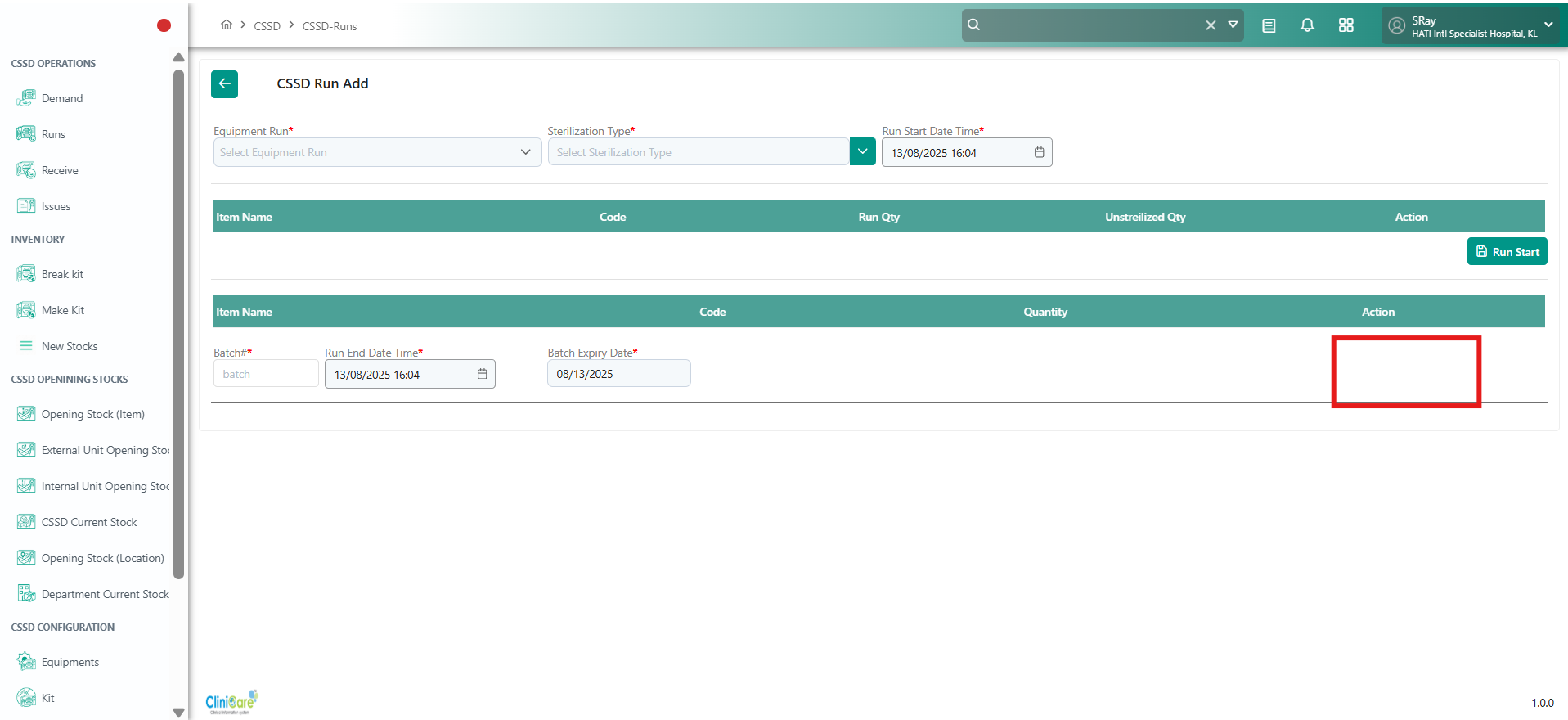
o Dedicated menu option/button: “Generate & Print Barcode” separate from other functions.
o Option to select single or multiple records for batch barcode generation.
o Option to preview barcode before printing.
6. Printing Options:
o Support printing on standard barcode label printers used in hospital.
o Allow user to define label size and print quantity.
7. Data Integration:
o Barcode generation should pull data from the master item/set database to ensure accuracy.
o Changes to item/set details should automatically reflect in any newly generated barcode.
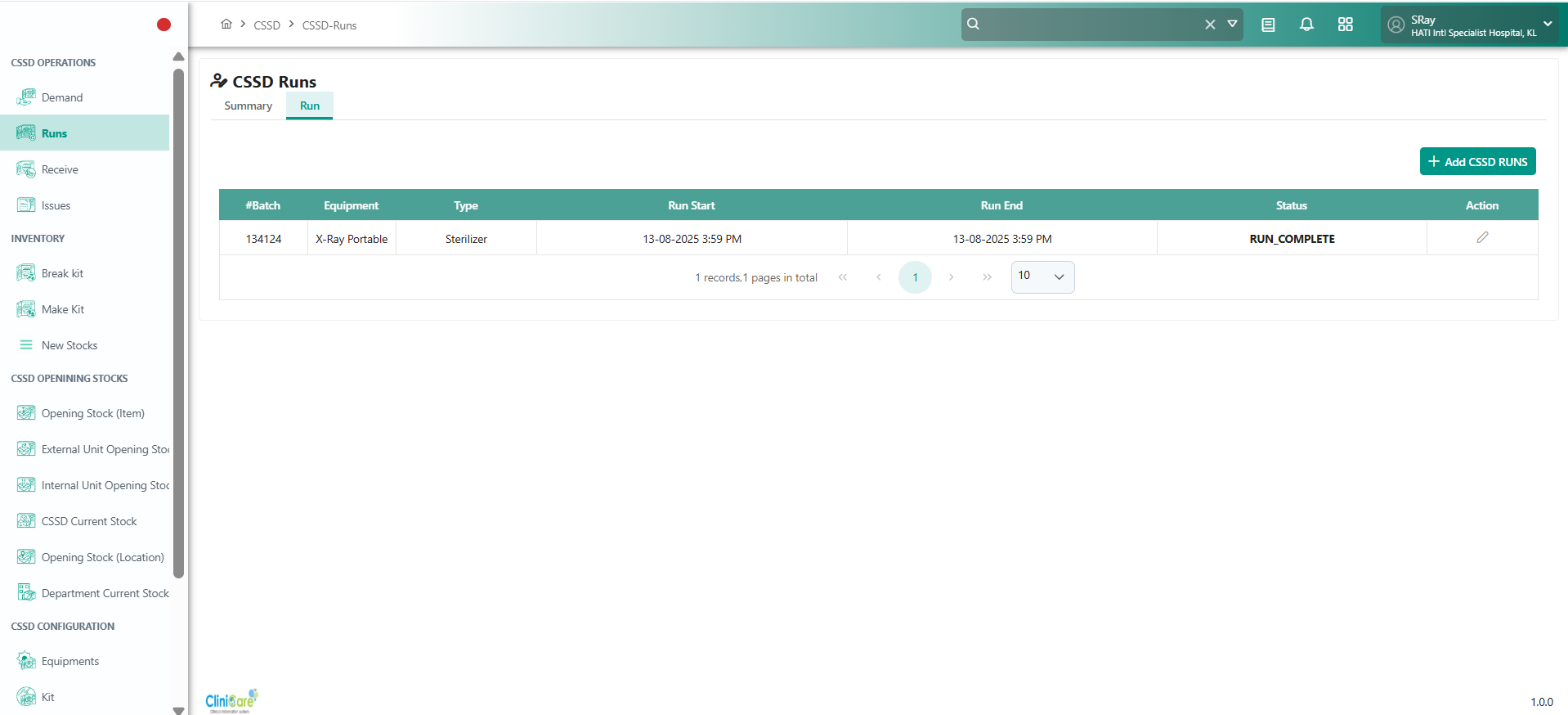
Please note - This is requirement is for stock once you have stock and on the current stock screen should also have the provision to print the barcode.
Files