Bug #93694
openFuture Order Missing After Accept The Sample
0%
Description
Path: Lab > Sample Taking > Future Order
Issue Description:
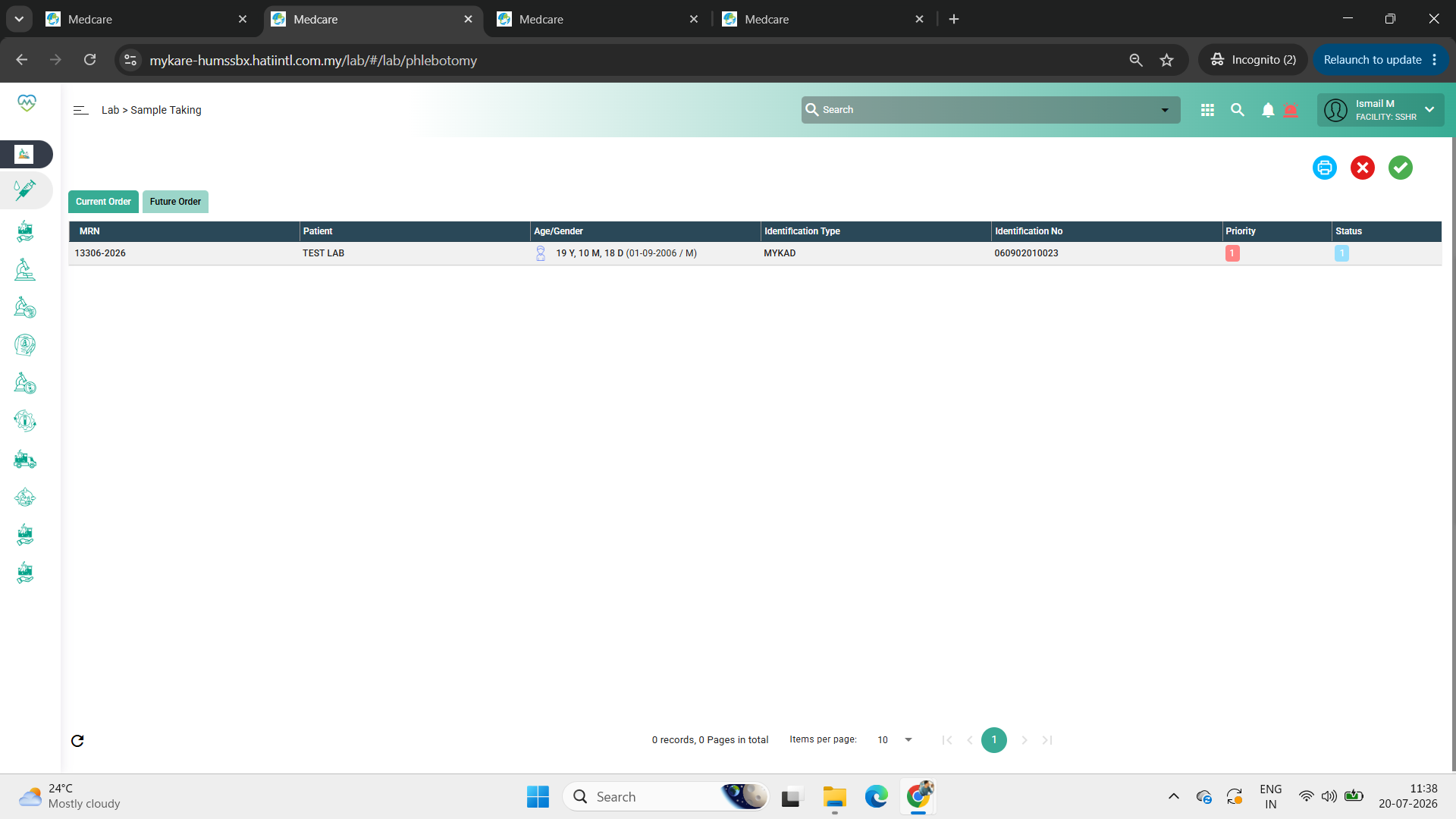
A future lab order that was converted into a current order disappears from the list after the sample is accepted.
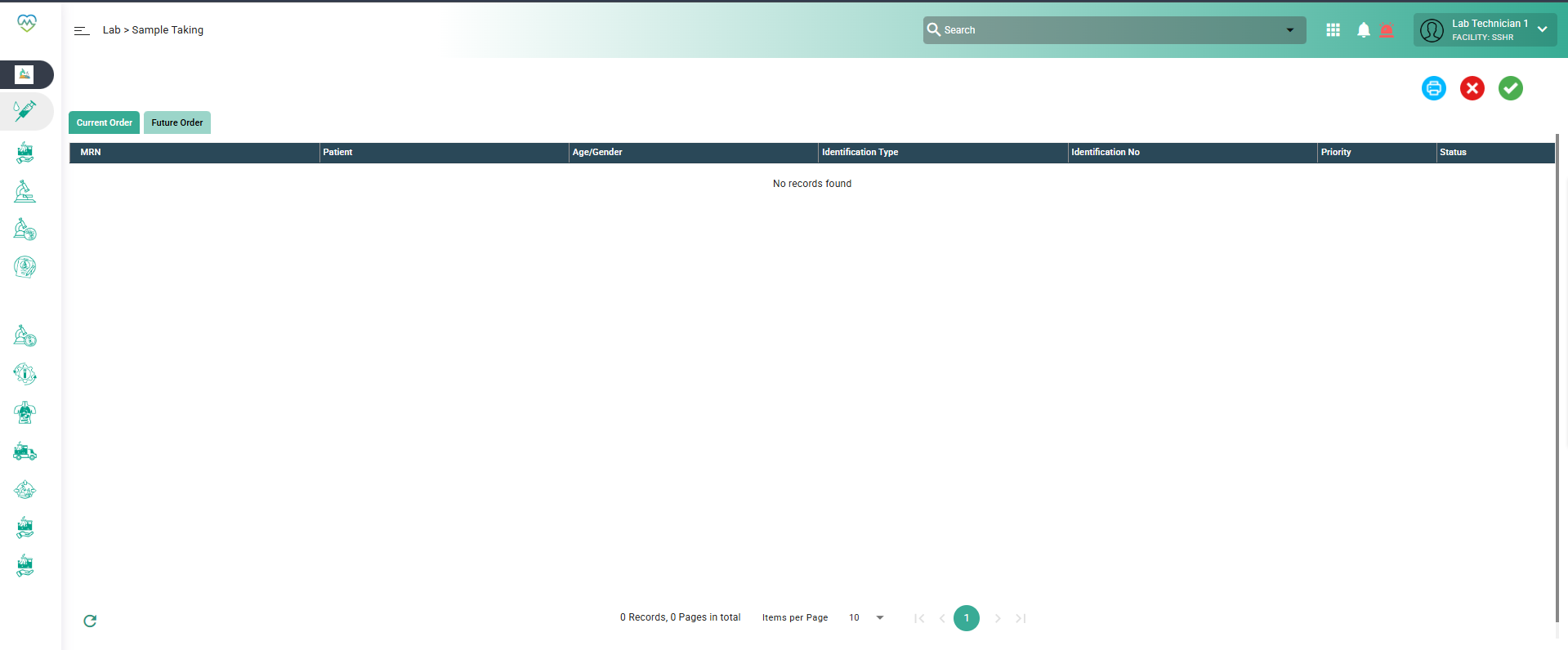
Step to Reproduce:
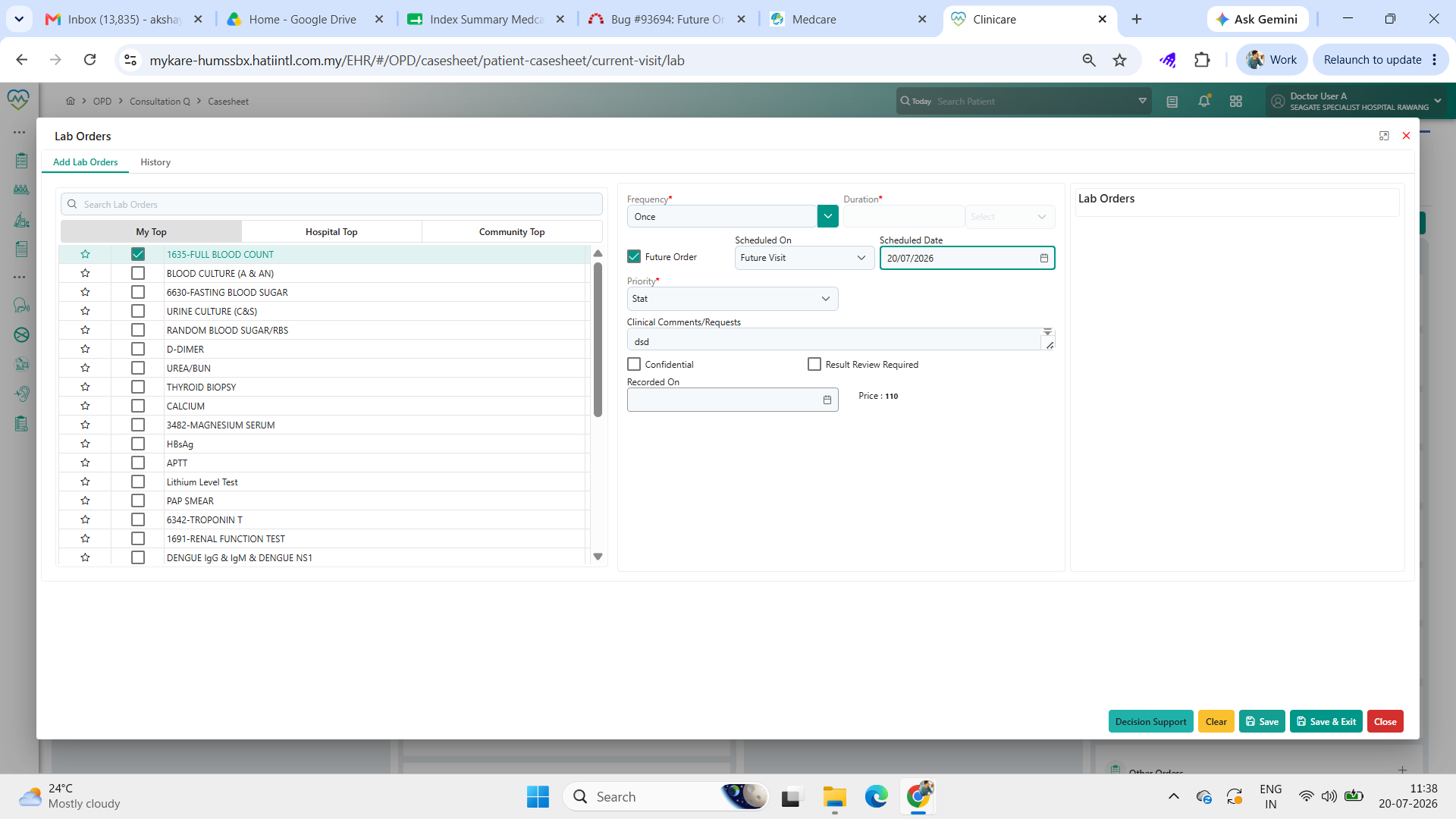
1. Login as doctor, and order the lab order for the patient and tick the future order
2. Login as lab staff and go to sample taking and click the future order tab
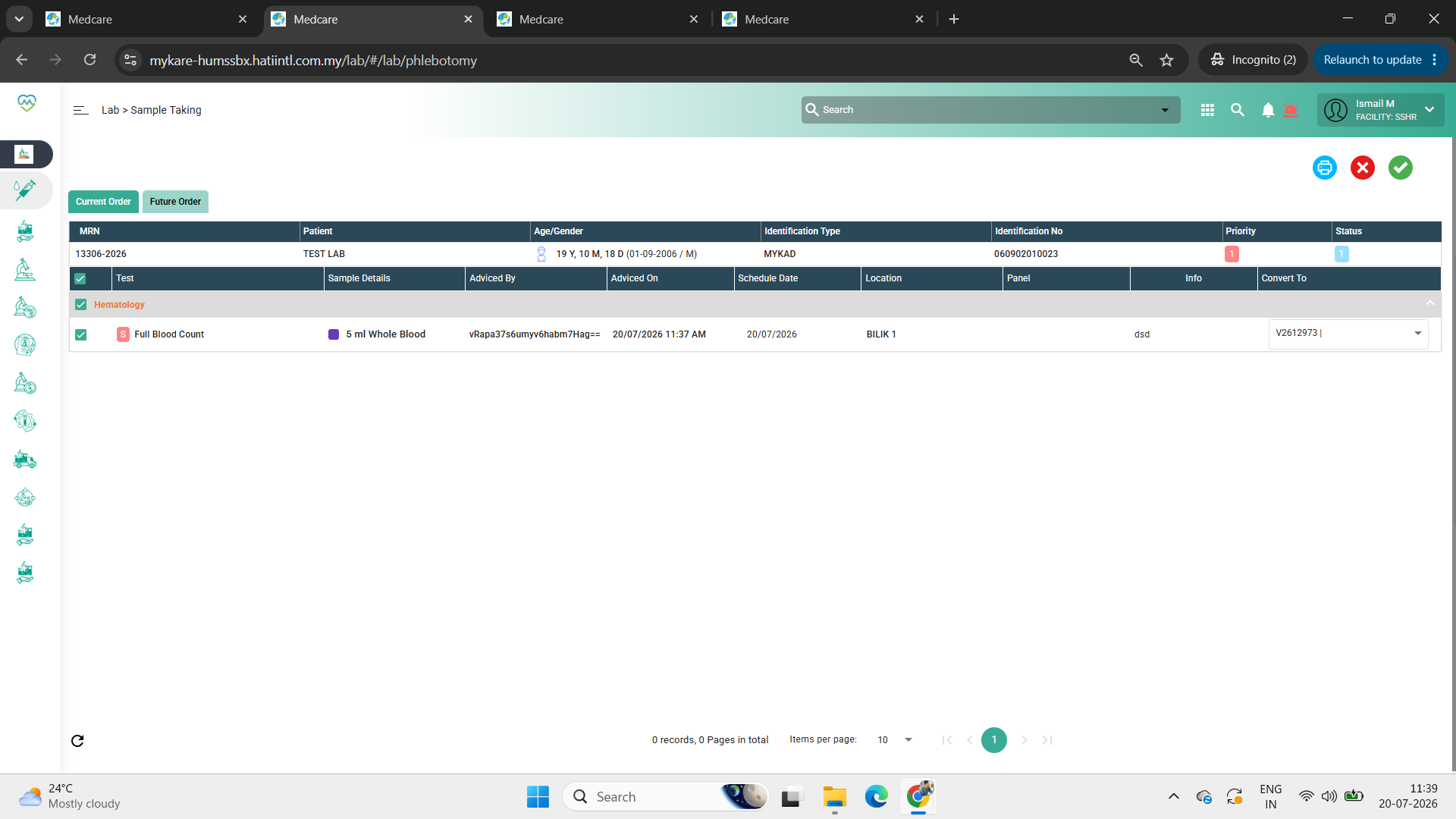
3. Select the sample and click convert to then click tick
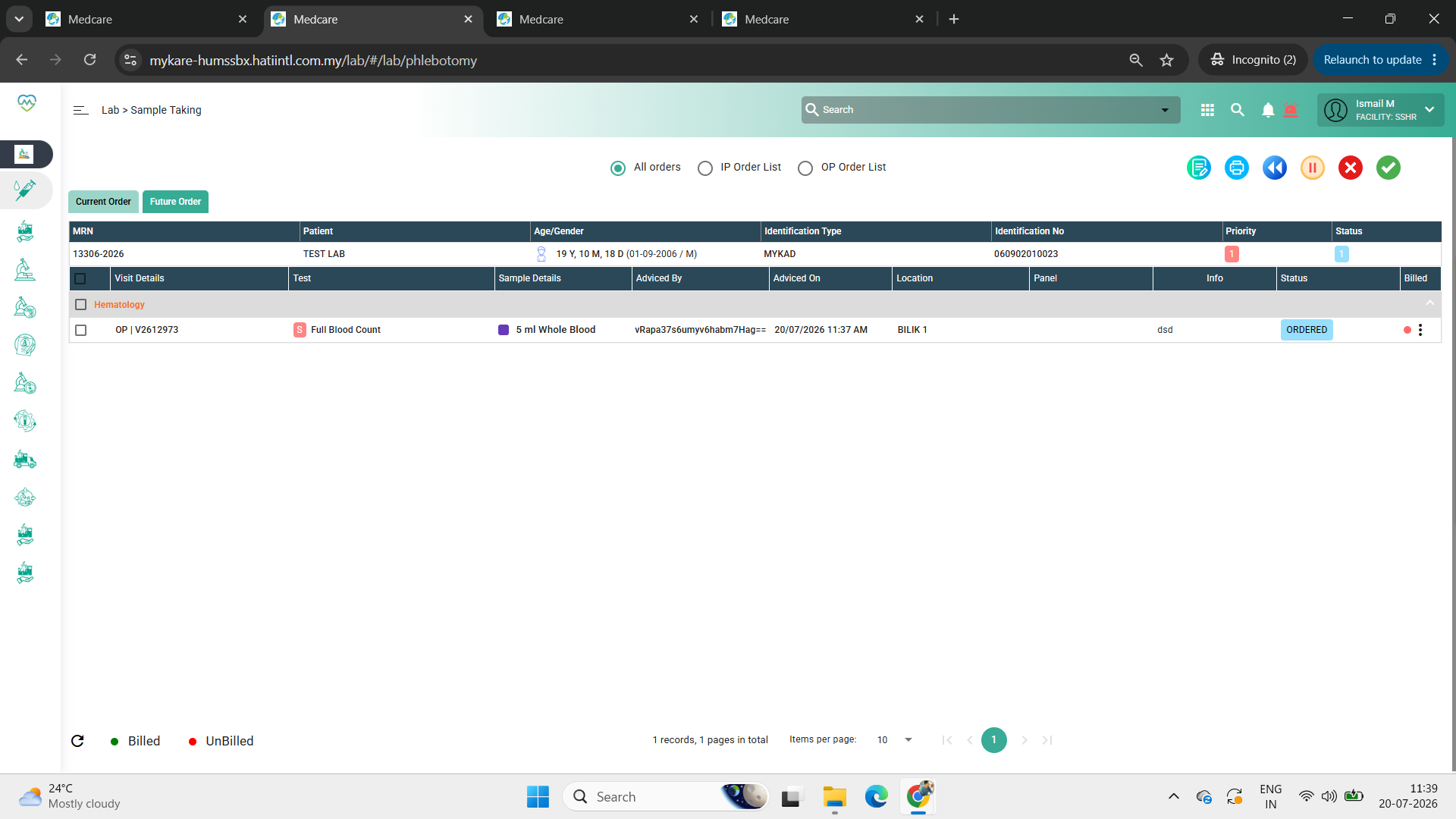
4. Go to the current order tab, select the sample and click tick to accept
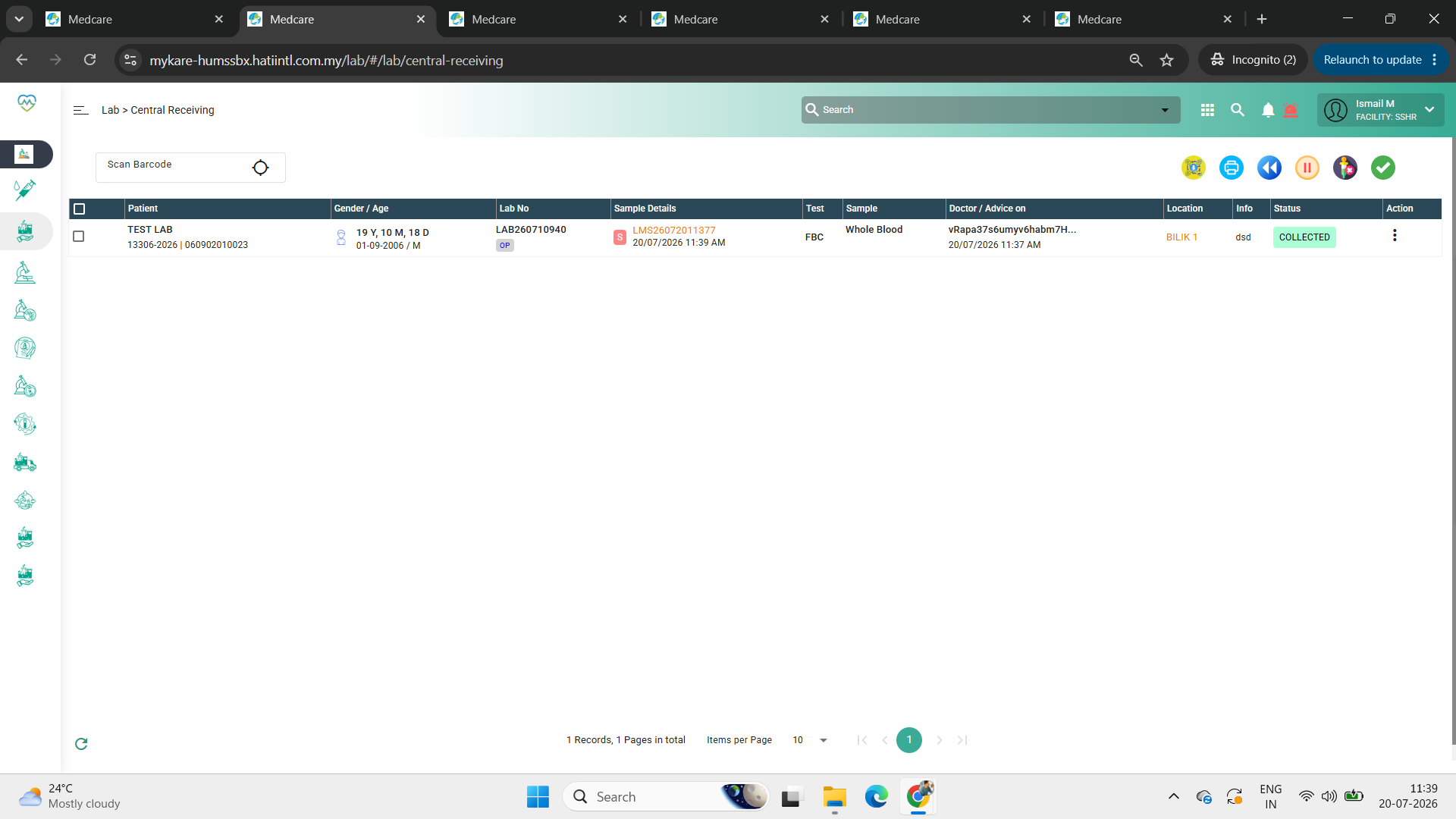
5. Go to central receiving and check if the sample is appearing
Expected Behavior:
After converting the future order into a current order and accepting the sample, the order should remain visible in the current order list for further processing.
Files
Updated by Daniyal Ansari 5 months ago
- Assignee changed from Daniyal Ansari to Somanath Jyotiram Rode
Updated by Somanath Jyotiram Rode 4 months ago
- Assignee changed from Somanath Jyotiram Rode to Rupali Suryawanshi
Updated by Rupali Suryawanshi 4 months ago
- File clipboard-202607081744-dk2tn.png clipboard-202607081744-dk2tn.png added
- Status changed from New to Coded
1. Orange: it is shows steps of test collected
2. Green: it shows dispach test order
3. brown: it is shows outsource test order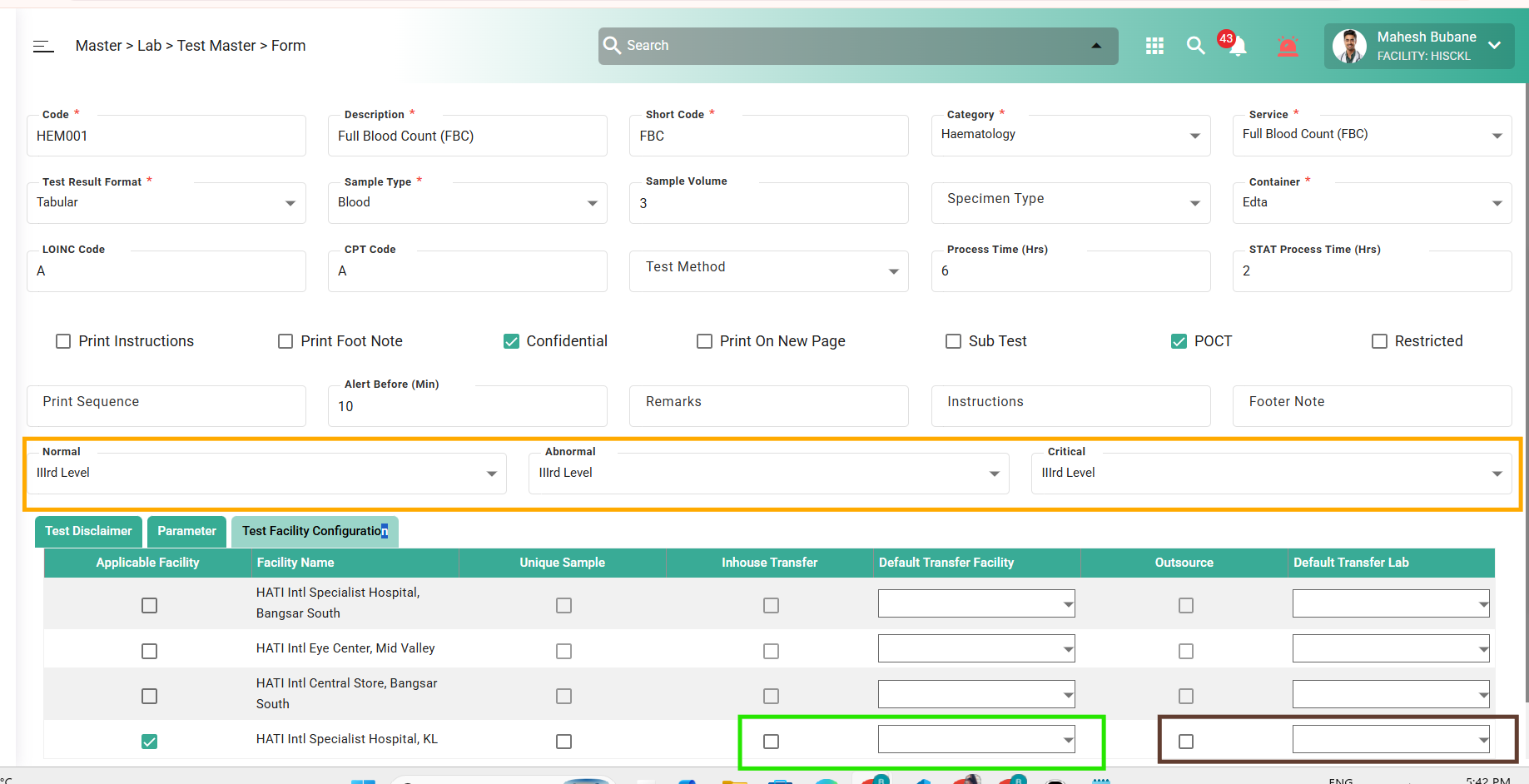
Updated by Shweta Sandip Waghmare 4 months ago
- Assignee changed from Rupali Suryawanshi to Mangesh Pangrekar
Updated by Akshay Patil 4 months ago
- File Screenshot (8217).png Screenshot (8217).png added
- File Screenshot (8216).png Screenshot (8216).png added
- File Screenshot (8215).png Screenshot (8215).png added
- File Screenshot (8214).png Screenshot (8214).png added
- File Screenshot (8218).png Screenshot (8218).png added
- Status changed from QA to Tested
PASS - Working as expected on HUMS once we convert it will appear on central receiving