Actions
Bug #93694
openFuture Order Missing After Accept The Sample
Start date:
22/05/2026
Due date:
% Done:
0%
Estimated time:
Dev Due date:
Release date to QA:
Bug/Defect On:
UAT
Severity:
Major
Issue released on:
UAT
Function:
Description
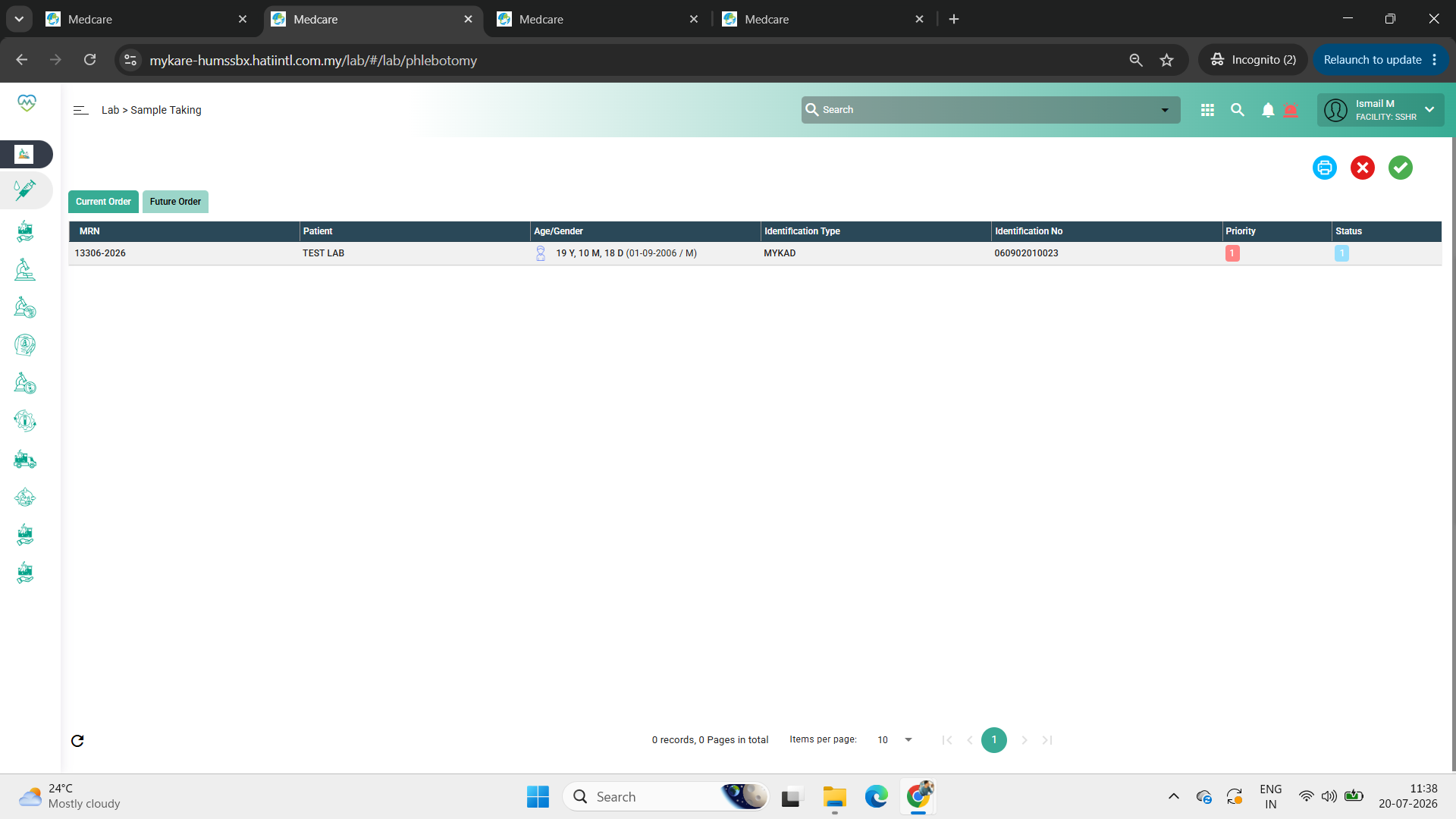
Path: Lab > Sample Taking > Future Order
Issue Description:
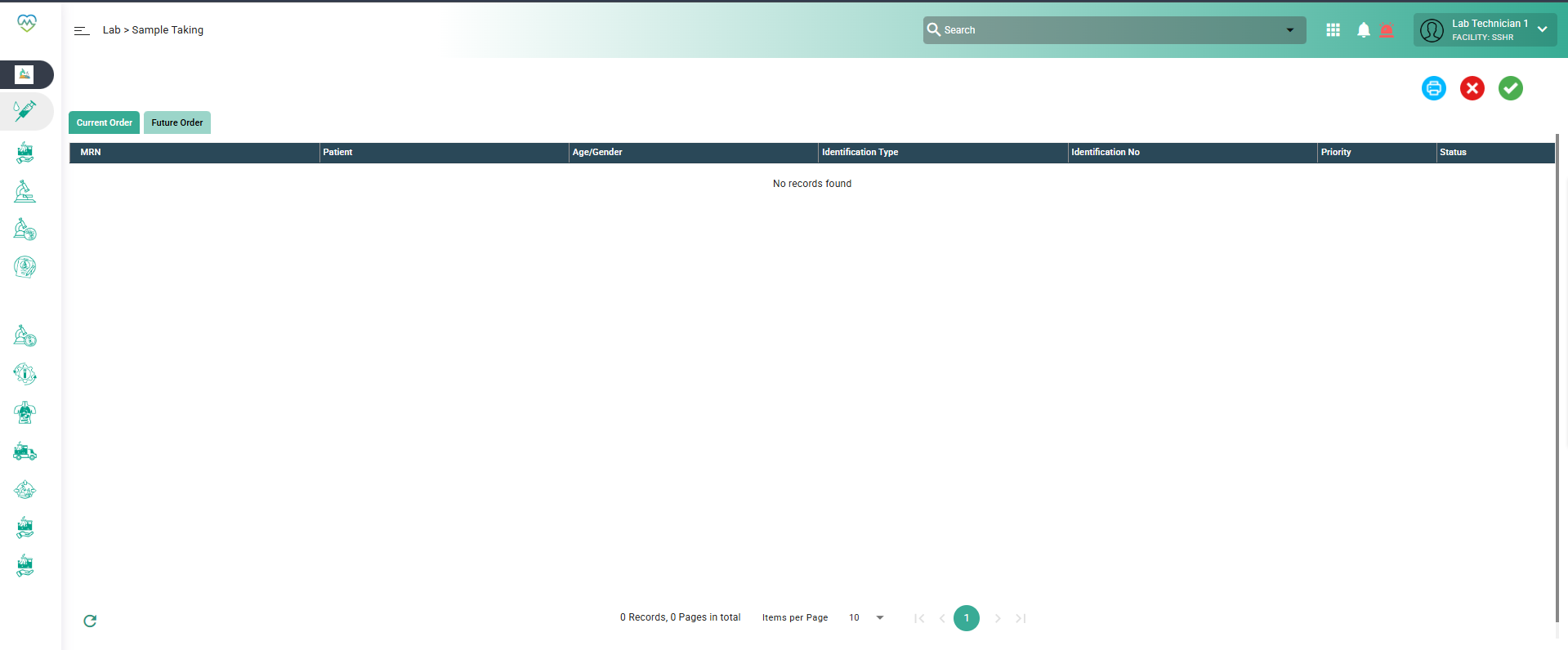
A future lab order that was converted into a current order disappears from the list after the sample is accepted.
Step to Reproduce:
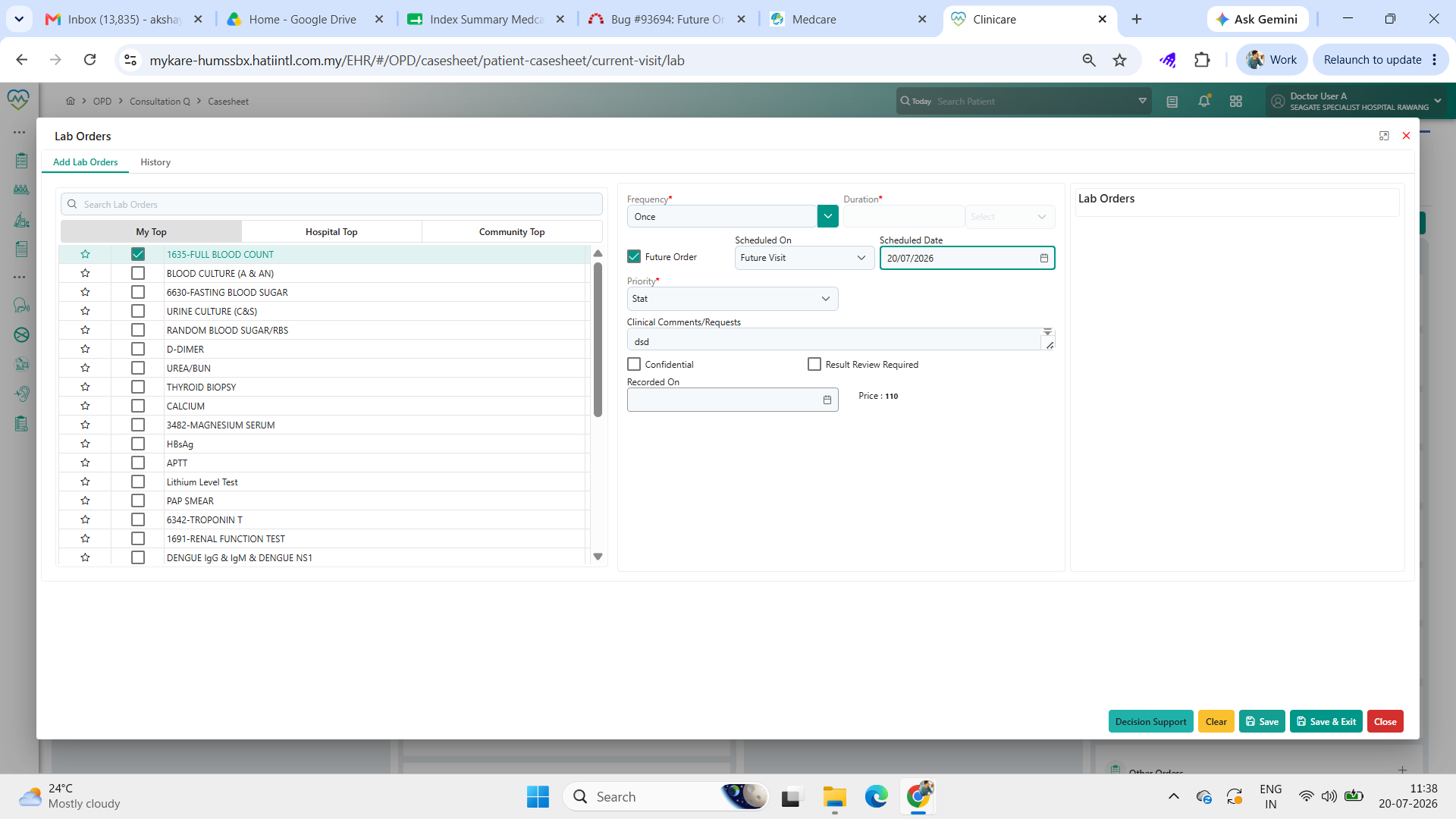
1. Login as doctor, and order the lab order for the patient and tick the future order
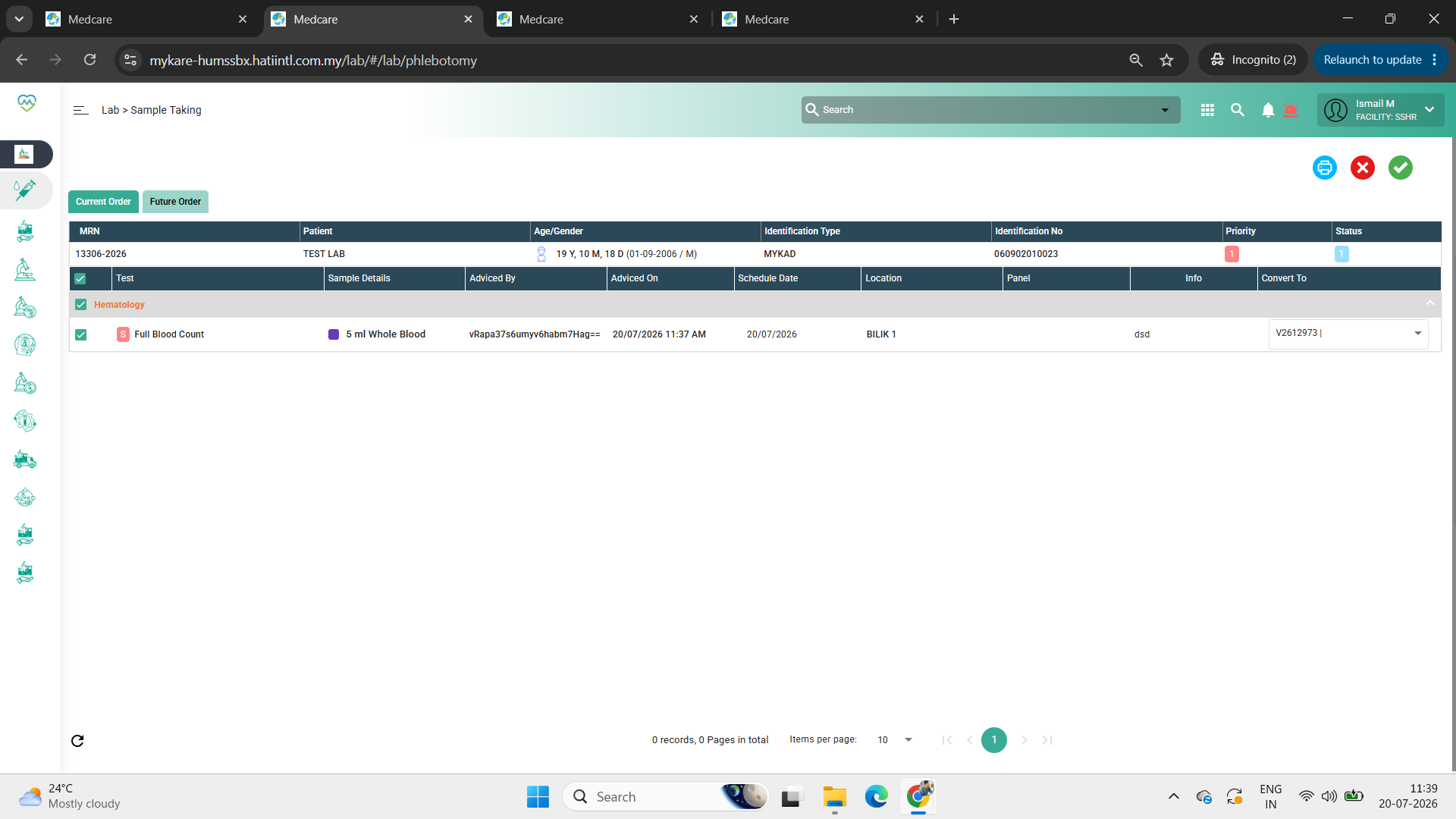
2. Login as lab staff and go to sample taking and click the future order tab
3. Select the sample and click convert to then click tick
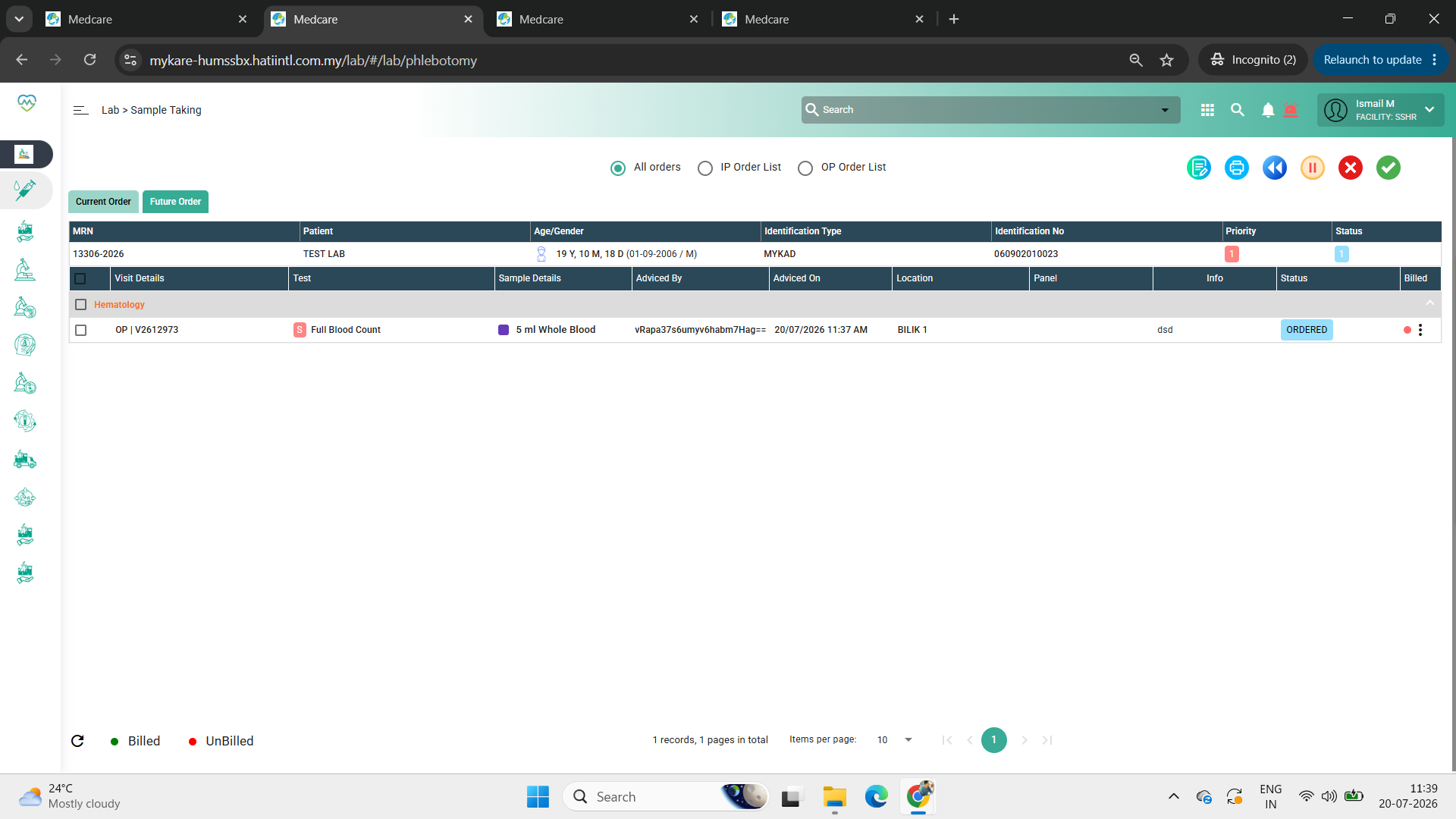
4. Go to the current order tab, select the sample and click tick to accept
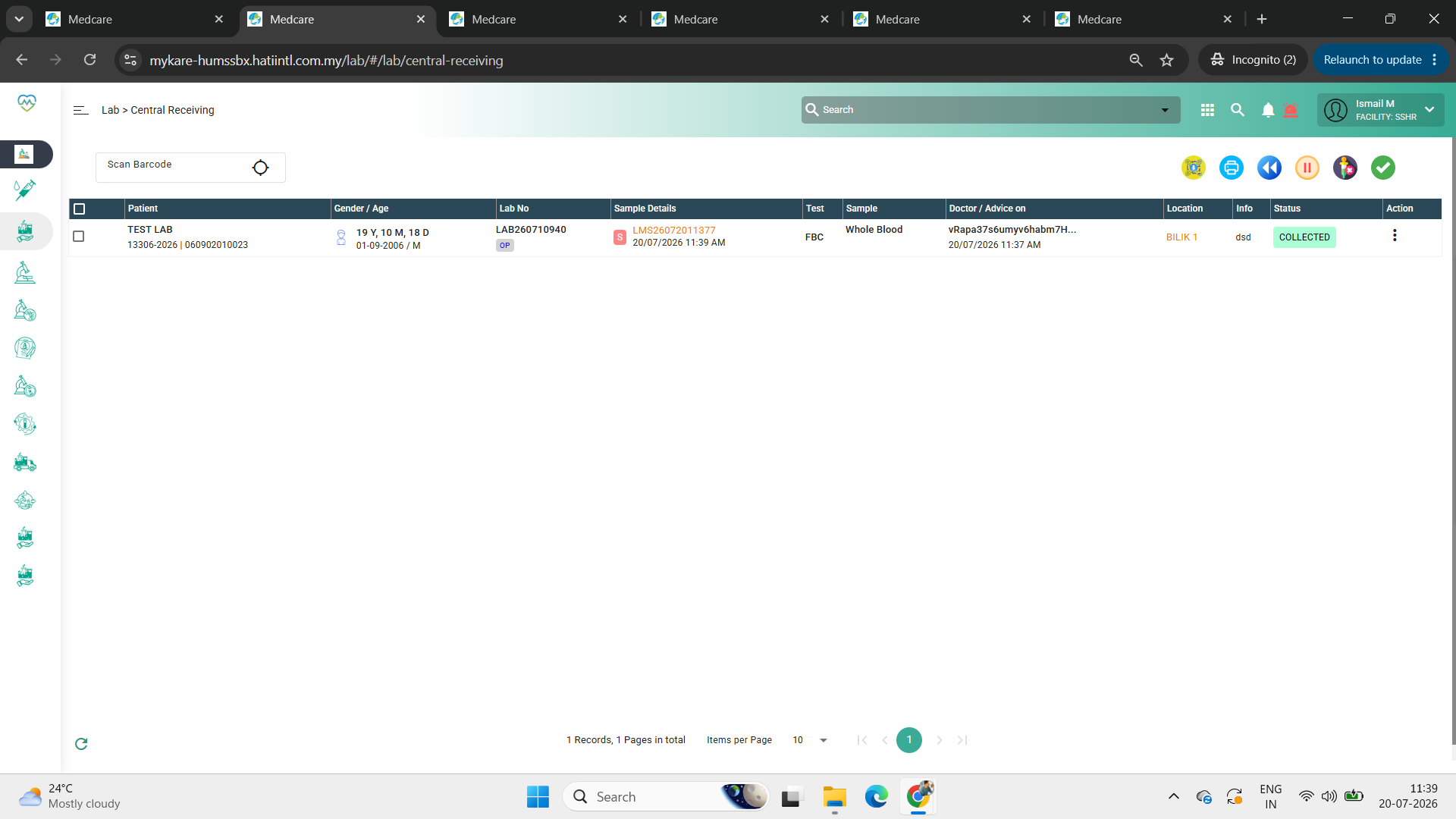
5. Go to central receiving and check if the sample is appearing
Expected Behavior:
After converting the future order into a current order and accepting the sample, the order should remain visible in the current order list for further processing.
Files
Actions