Gaps #93697
openUnable to View Attached Lab Document in the Clinicare
0%
Description
Issue Description:
Unable to view the attached lab document in the Clinicare system.
Step to reproduce:
1. Login as doctor and order lab.
2. Login as laboratory and accept the test in the sample taking
3. Go to central receiving and select the test and click the dot icon at the right of the sample
4. Click Upload document and click upload icon
5. Click choose file and choose any file in your computer and click upload icon.
6. The document will be updated in the table and click to save the document
7. Complete the flow until generate the report
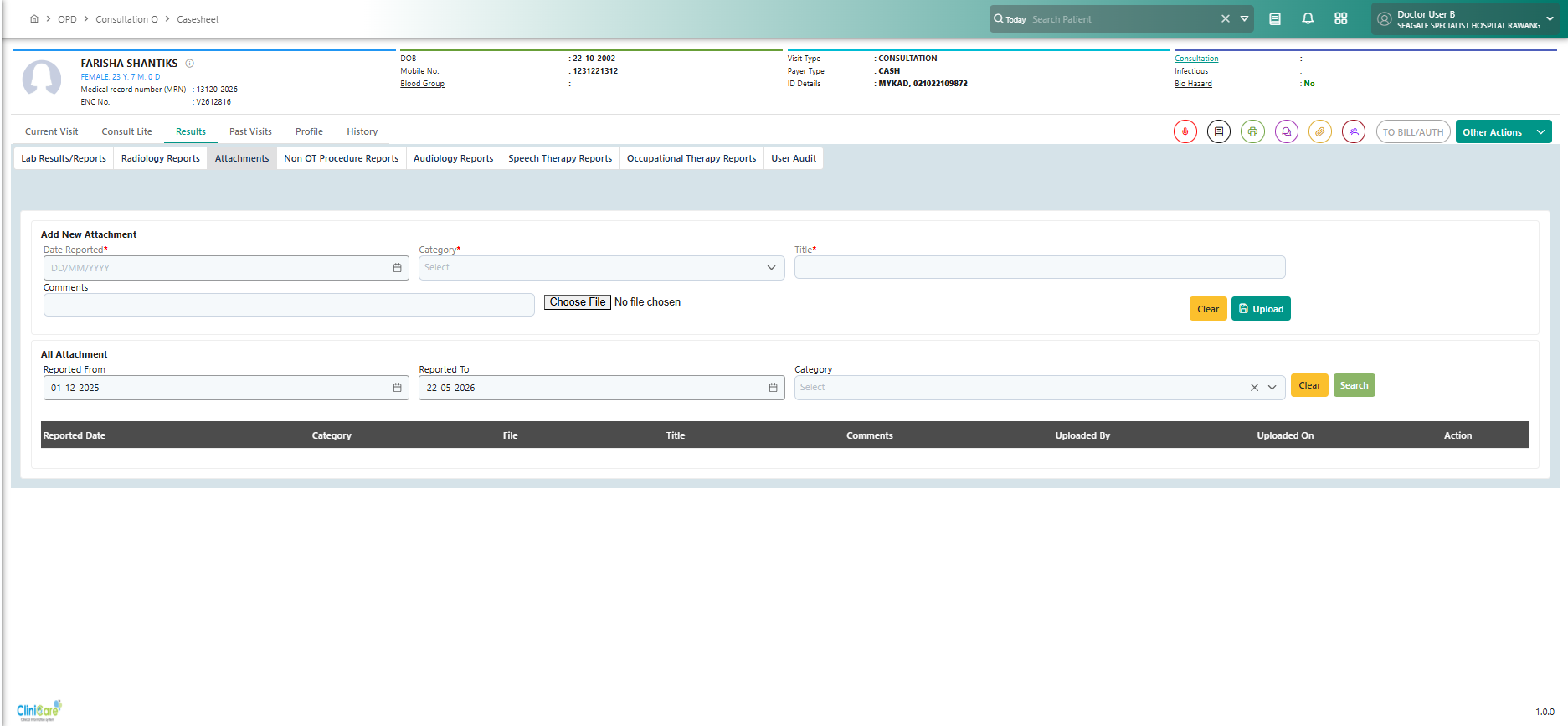
8. Login as doctor and go to op consult > select the patient and click result tab
9. Click attachment tab. Filter the date if necessary.
10. Observe the document that you upload should be appear.
Expected Behavior:
Users should be able to open and view the attached lab document successfully.
Files