Bug #94105
closedInventory > Incorrect Number Formatting for COP and Amount Fields in Printed Report
0%
Description
Issues Description:
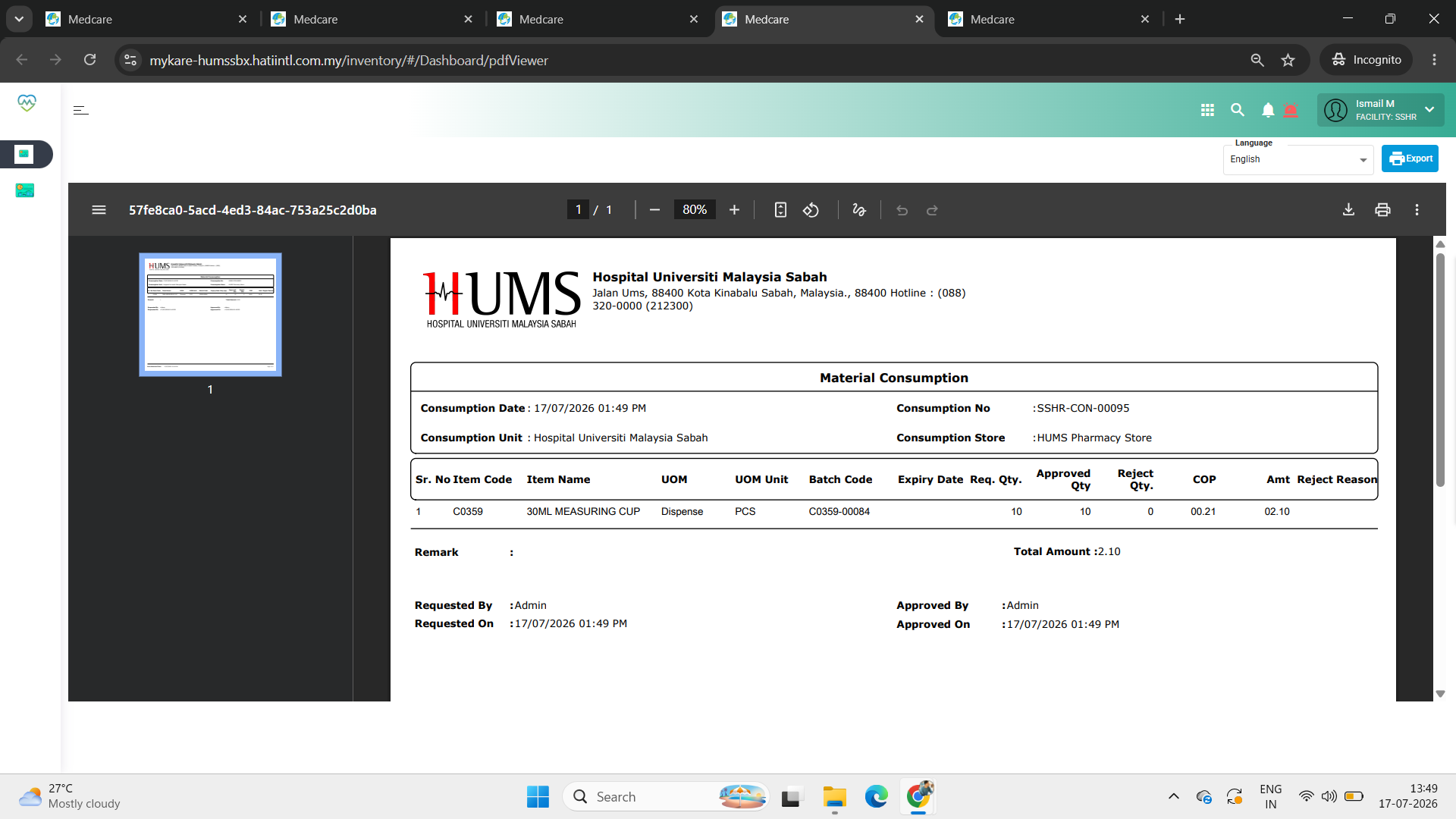
In the Material Consumption printout, the COP and Amt fields are displayed with unnecessary leading zeros. For example, the values are shown as 00.21 and 02.10 instead of using a standard numeric format. This results in inconsistent and less readable report formatting.
Step to reproduce
1.Login System
2.Navigate to > Inventory
3.Click on Consumption
4.Click on Material Consumption
5.Observe screen > COP and Amt fields are displayed with unnecessary leading zeros.
Expectation:
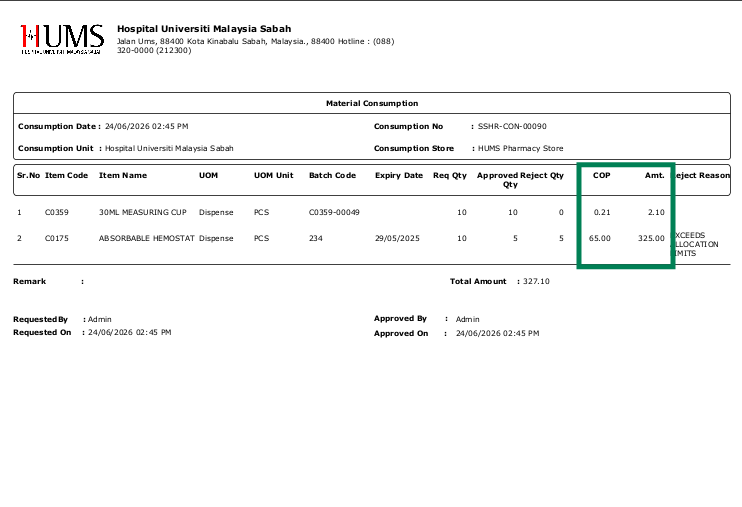
The system should display the COP and Amt values in a standard numeric format with 2 decimal places and without unnecessary leading zeros.
Example:
COP: 0.21 instead of 00.21
Amt: 2.10 instead of 02.10
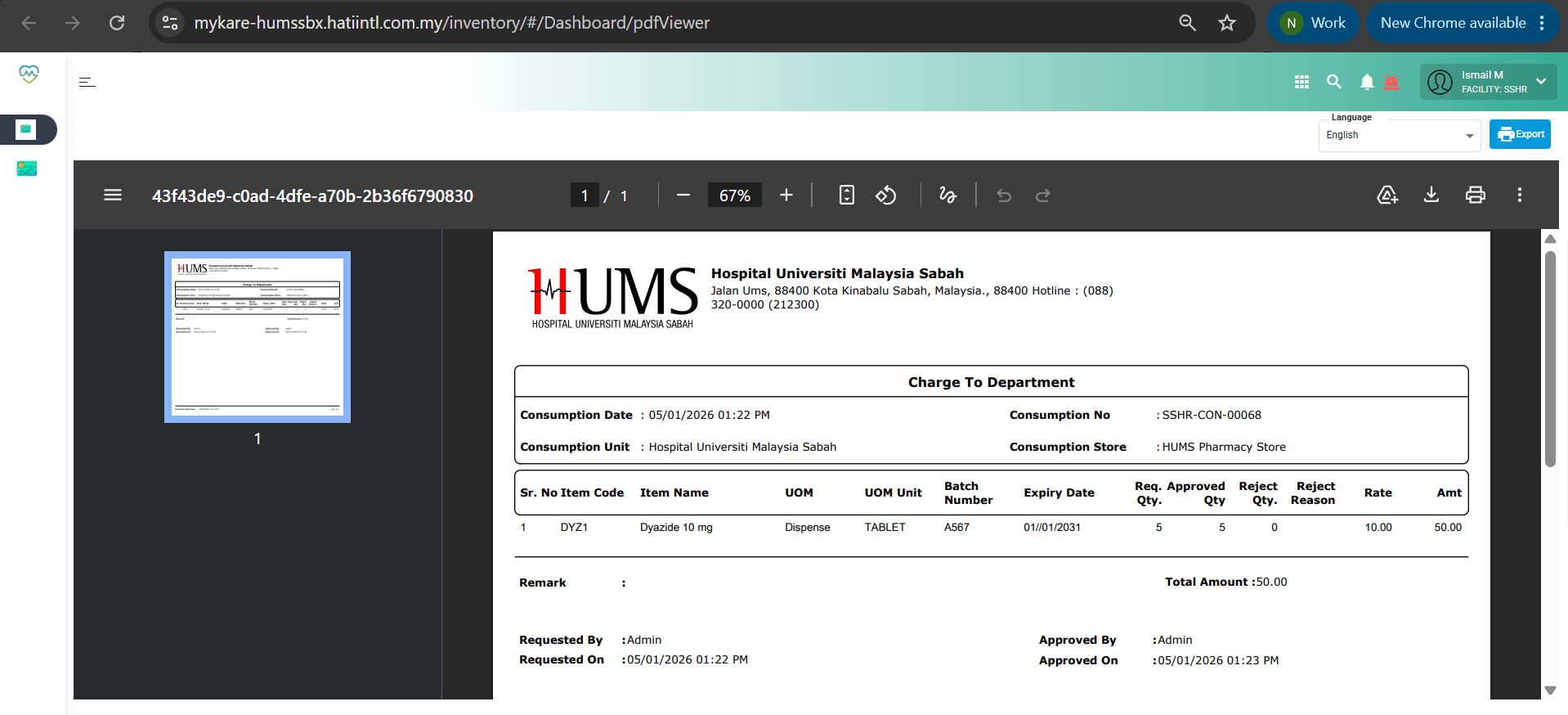
The formatting should be applied consistently across the printed report.
Picture 1: The screen of Inventory Consumption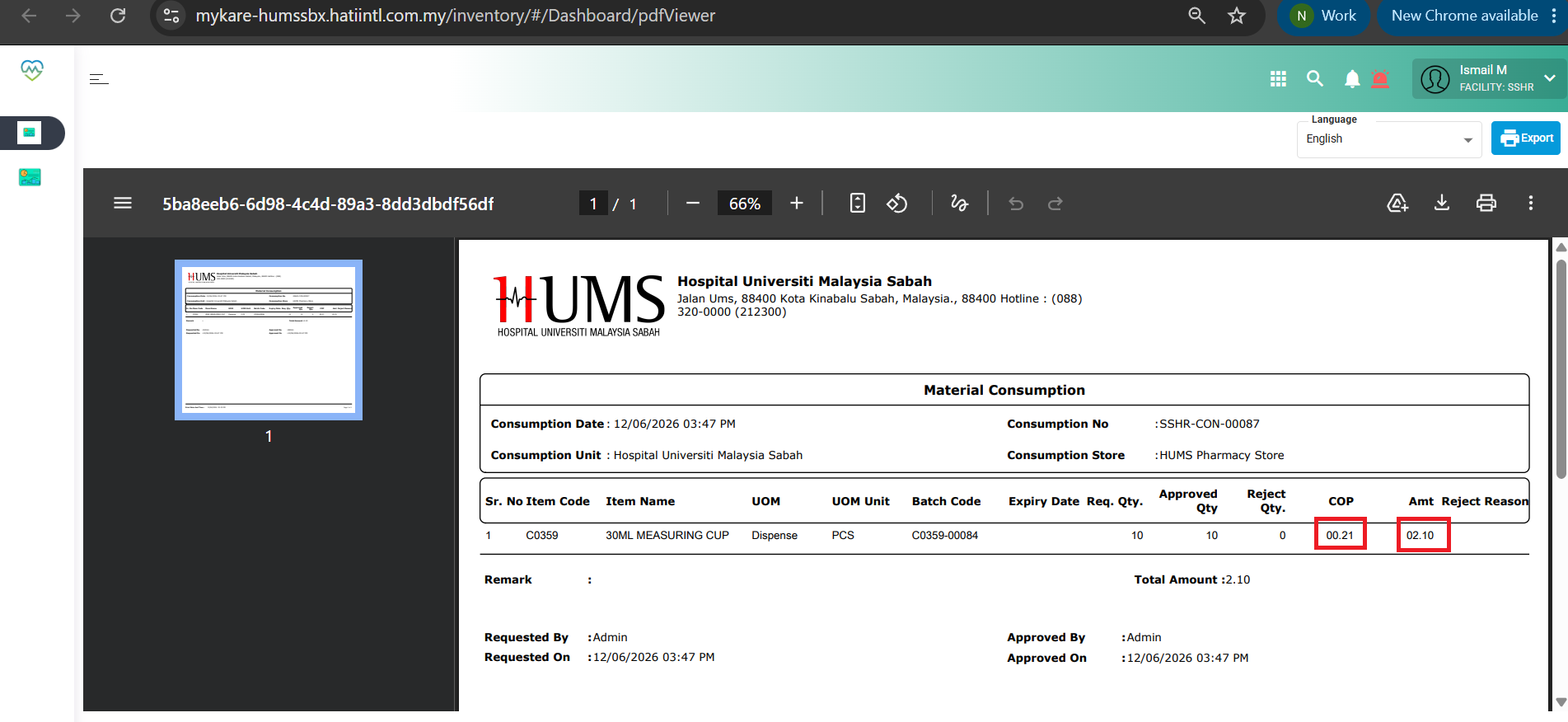
Files