Bug #94348
closedDuplicate Media in Incubation Details
0%
Description
Path: Lab > Microbiology > Result Entry Dashboard
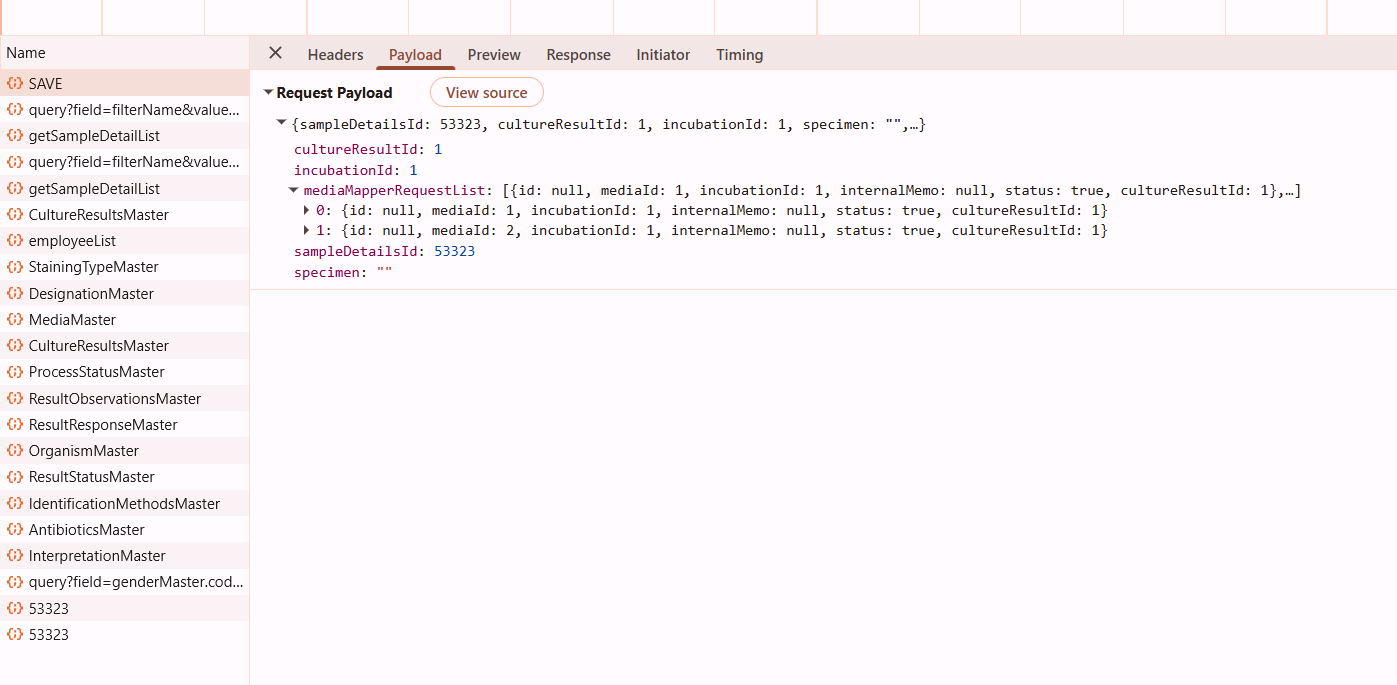
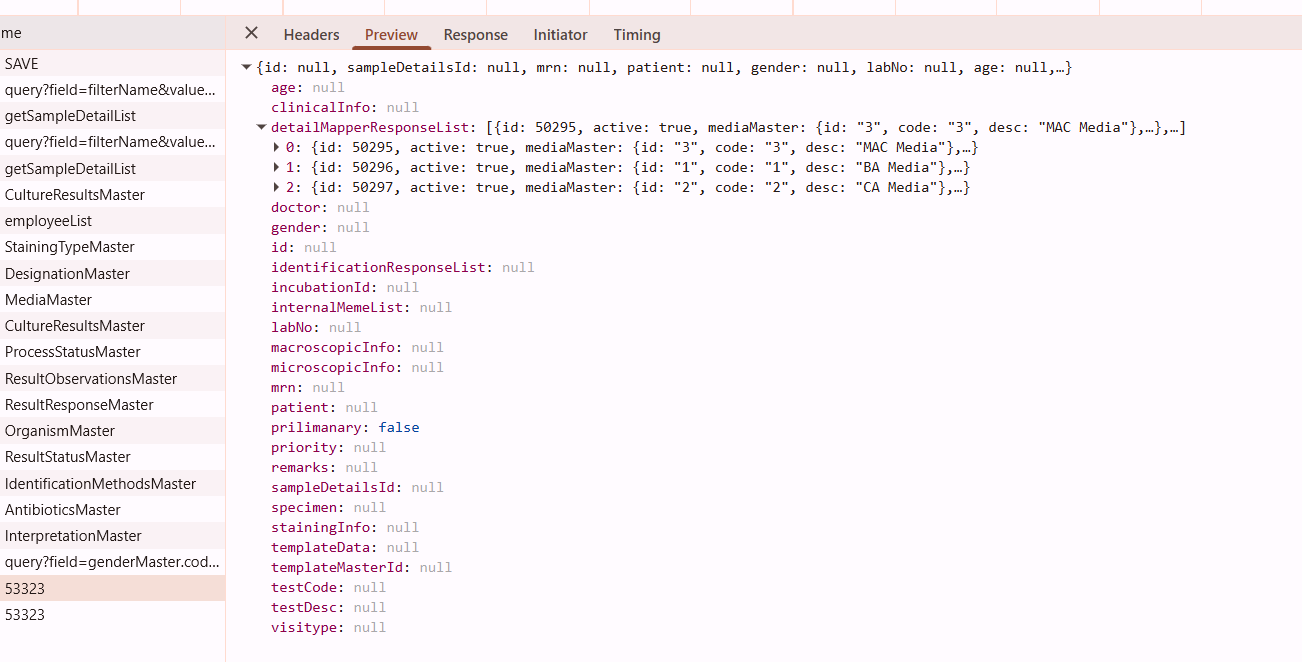
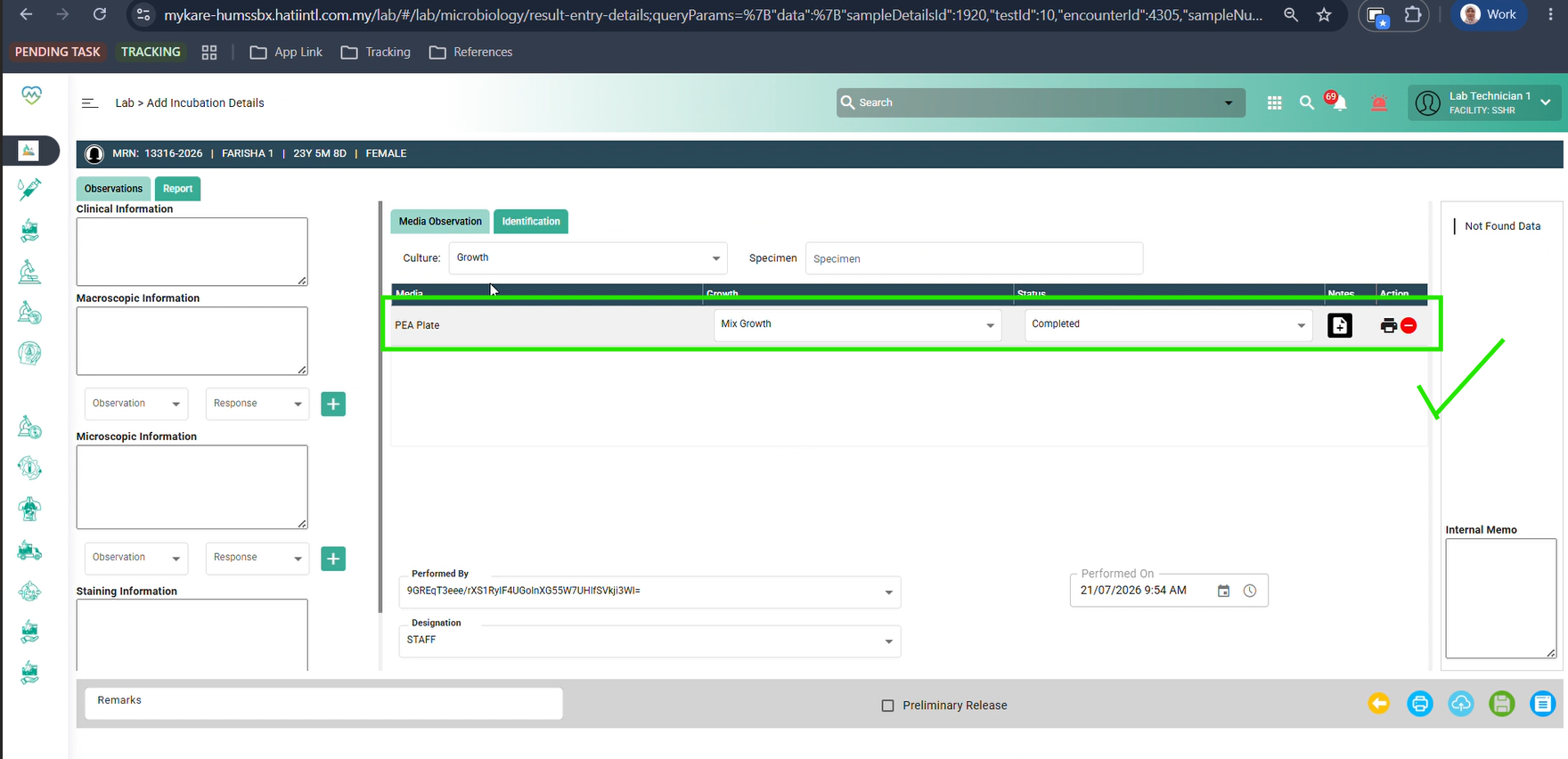
Issue: Duplicate media entries appear in the Result Entry Dashboard. When a user adds only a single media during the Media Observation process, two entries of the same media are displayed on the Result Entry Dashboard.
Steps:
1. Register a patient and order a Blood Culture and Sensitivity test.
2. Accept the test across all stages: Sample Taking, Central Receiving, and Sample Processing.
3. Navigate to Microbiology > Media Observation screen and click the sample details link.
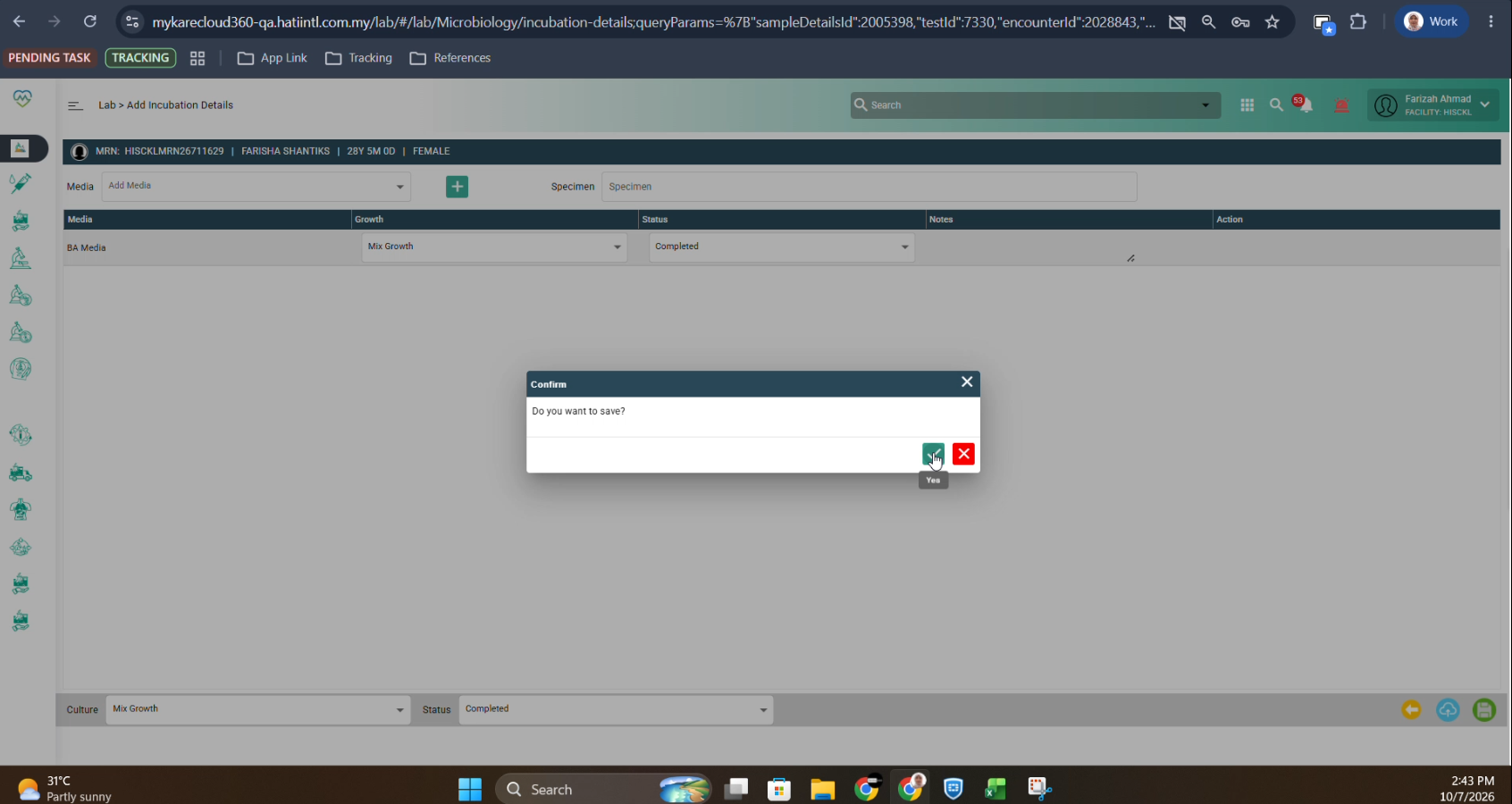
4. Add one (1) media, then enter its growth and status.
5. Enter the culture and status at the bottom of the screen, then click Save.
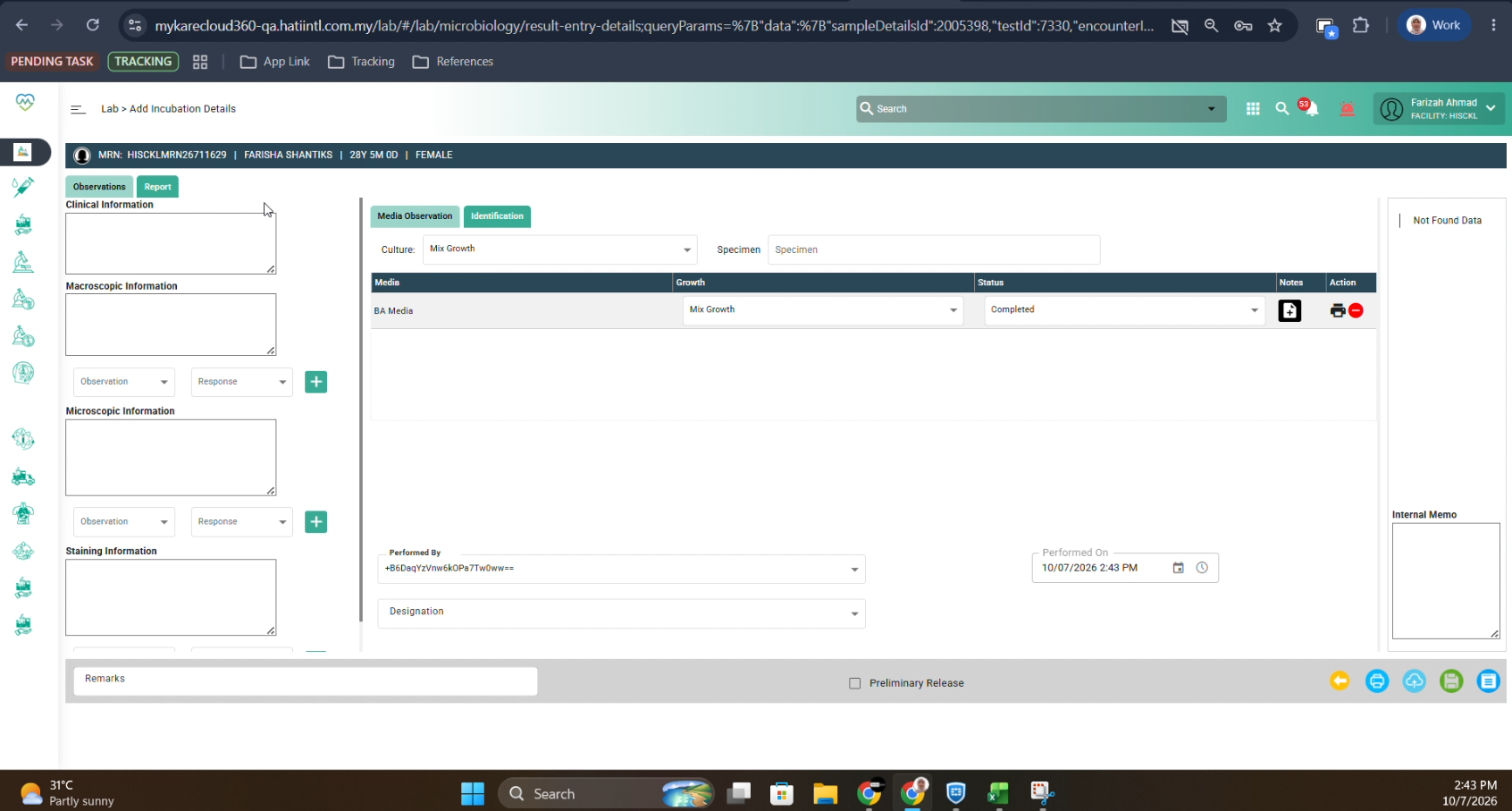
6. Navigate to Microbiology > Result Entry Dashboard and click the corresponding sample link.
7. Observe that the media entry has been duplicated.
Step 4: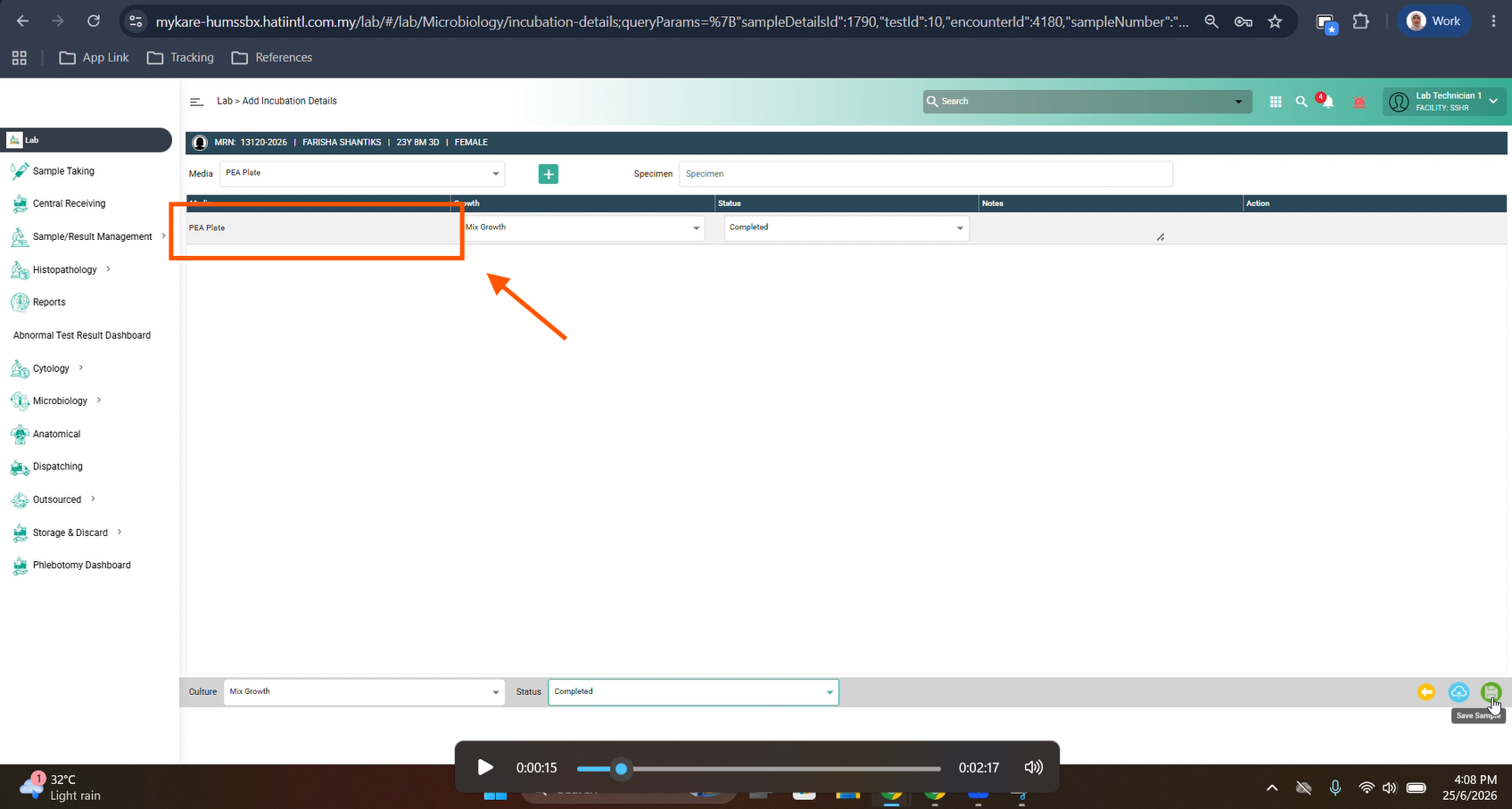
Step 6: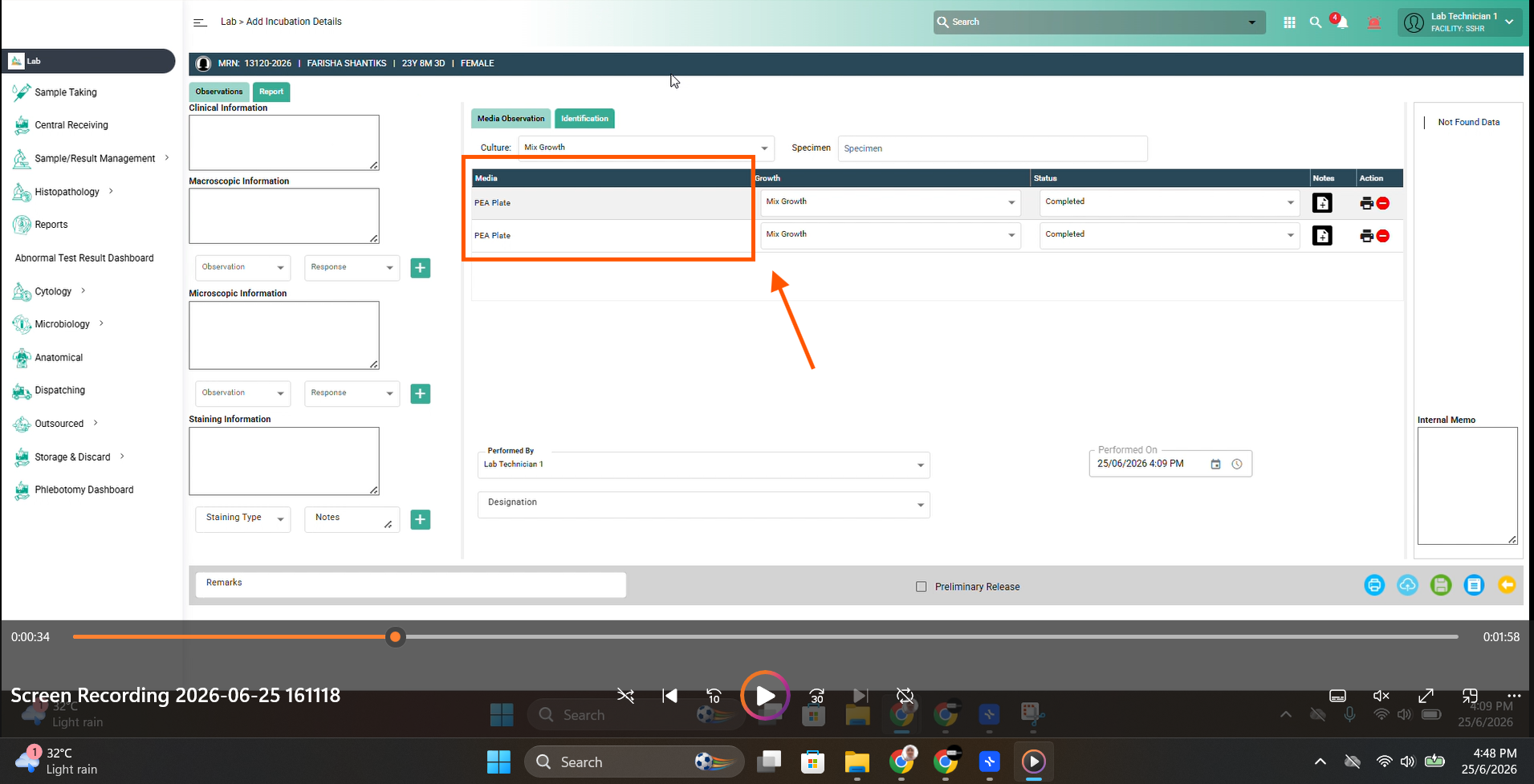
Expected Result:
1. The quantity and list of media in the Result Entry Dashboard must match exactly what was entered during the Media Observation process (no duplicates).
Files