Bug #94501
openHistopathology Slide Allocation
90%
Description
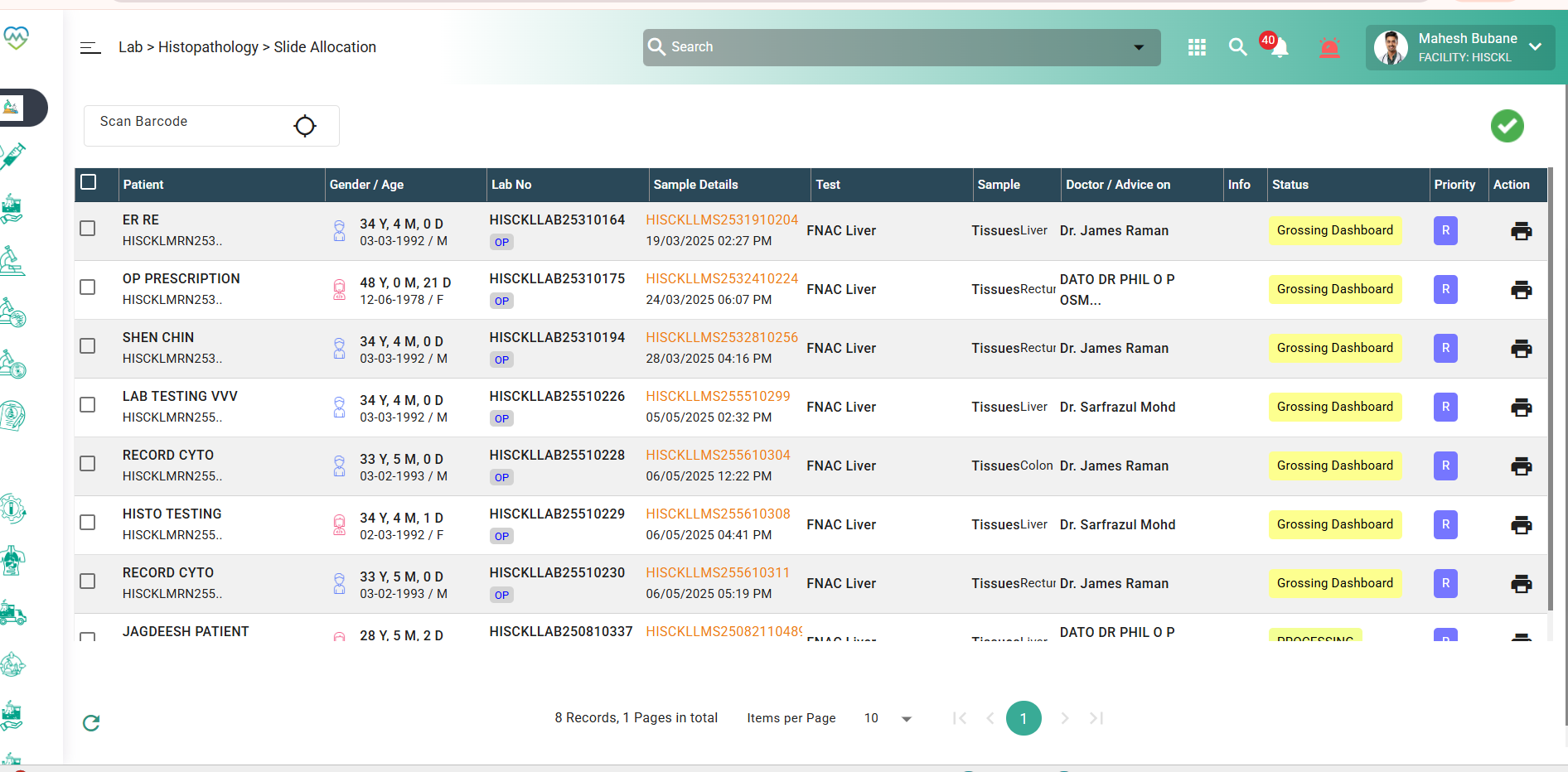
Issue: The Slide Allocation screen not automatically appear the details. Need to click the search button even when the transaction has been done on the same day.
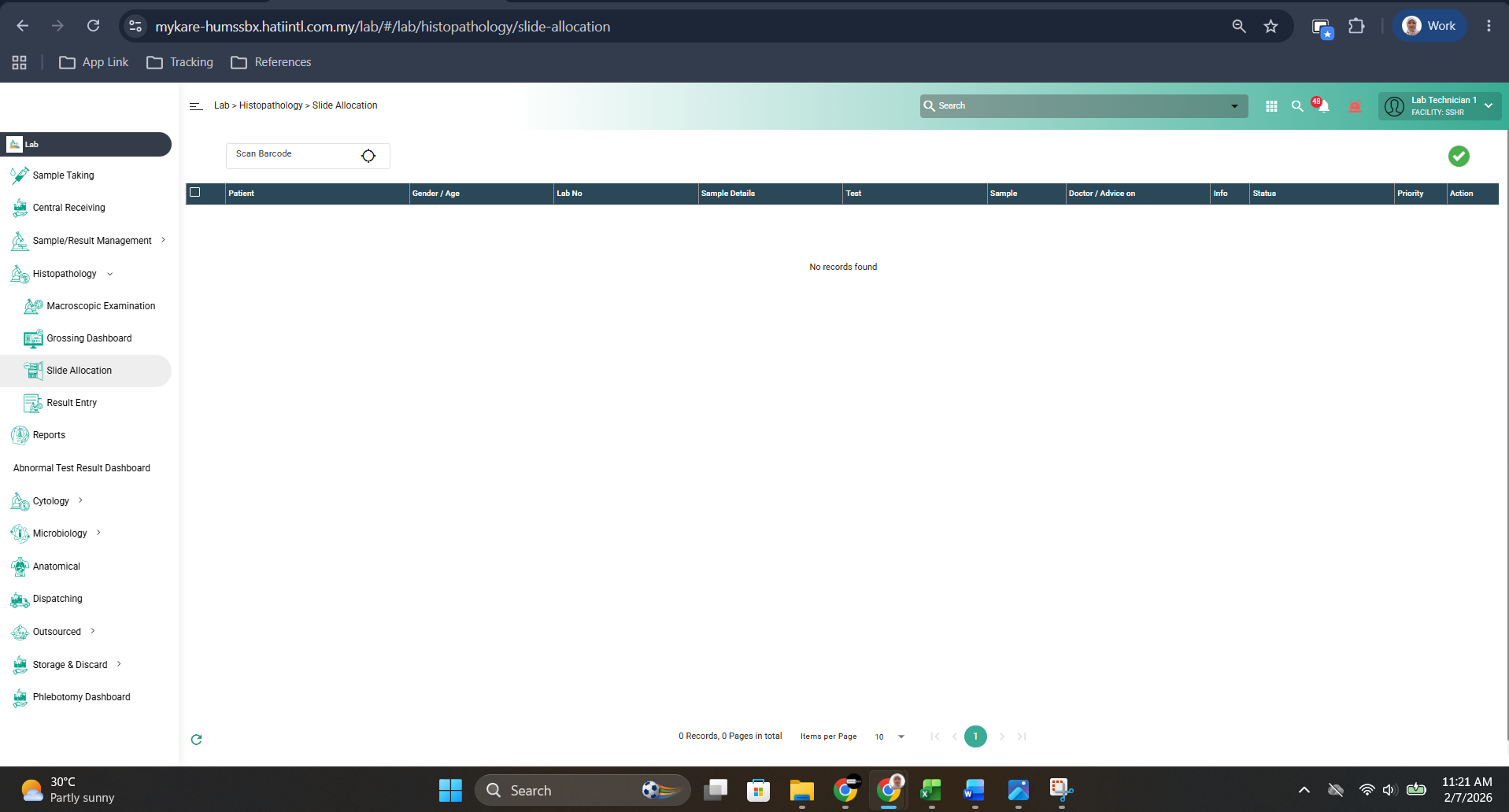
Step to reproduce:
1. Register patient and order lab test (biopsy)
2. Accept the test in the sample taking, central receiving and sample/result management > sample processing
3. navigate to histopathology > macroscopic examination menu. Click the hyperlink under sample details
4. Add slide or block and other necessary details that mark with asterisk (*) and click submit.
5. Continue to process the sample by clicking the sample and click tick. (This process is depend on how the sample is taken)
6. Then screen will auto navigate to slide allocation menu and observe if the sample appear in the list.
Expected Behaviour: User able to see the sample without click the search filter to load the screen.
Please refer to video.
Files