Gaps #93062
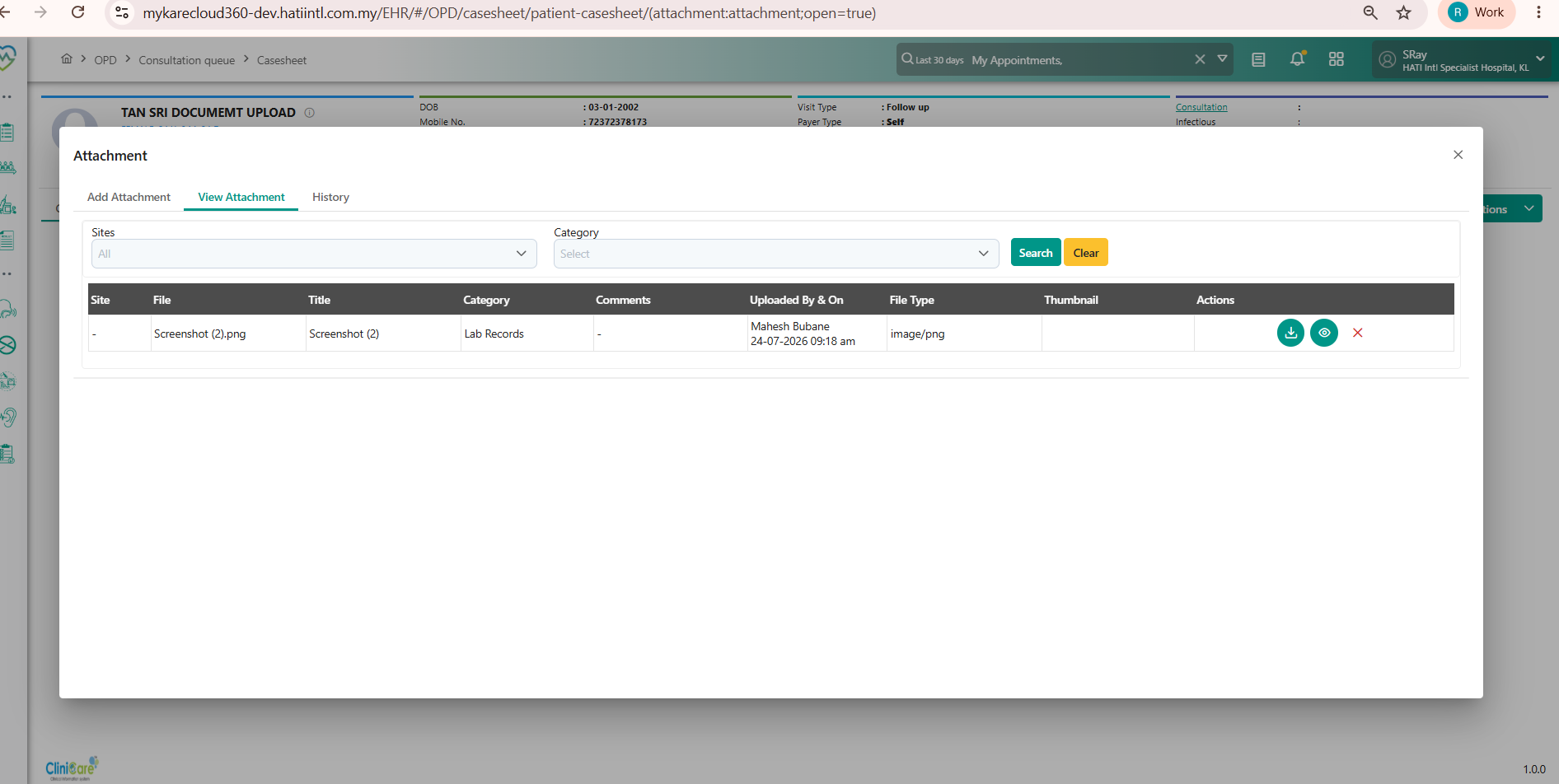
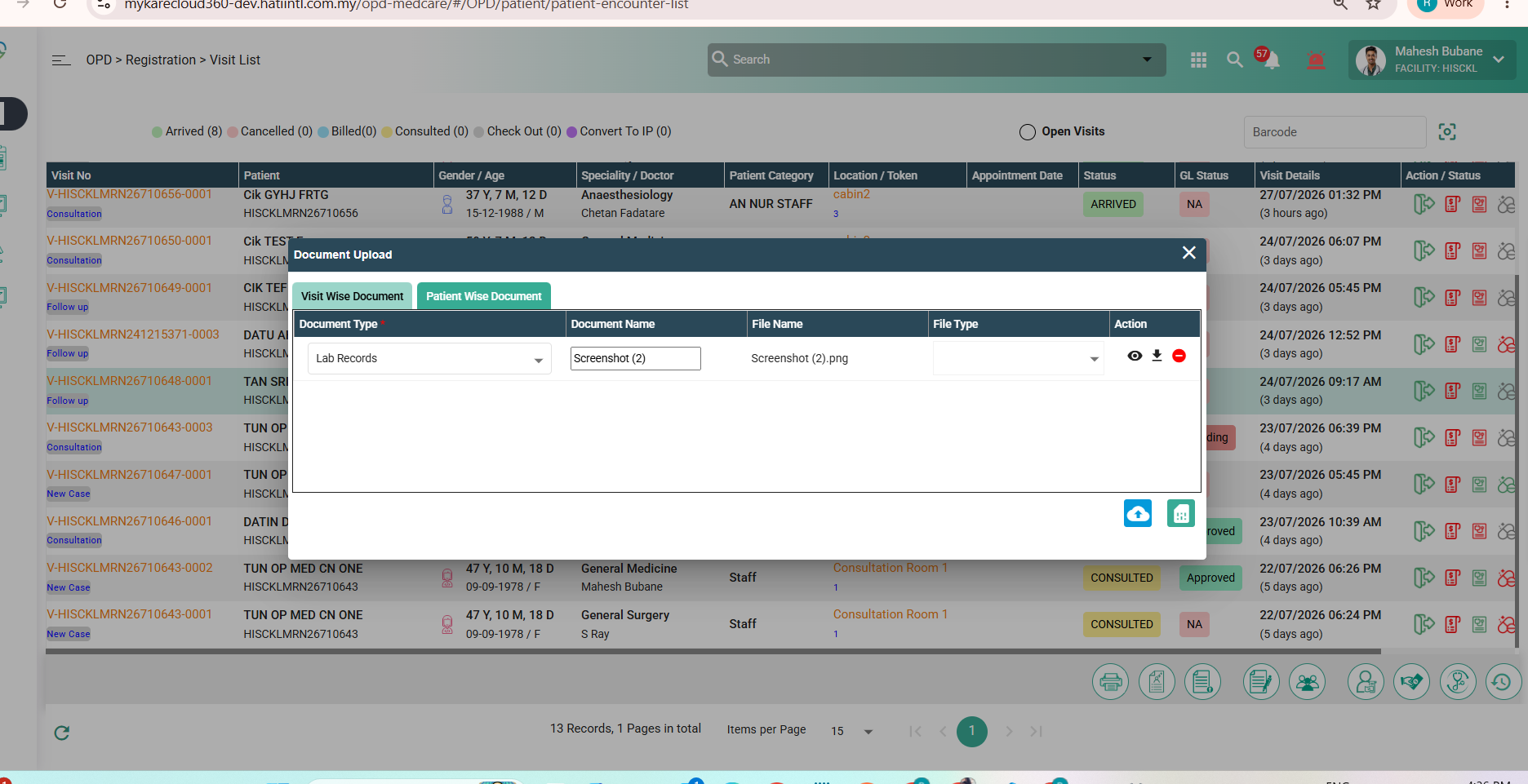
openCLINICARE > OPD CONSULTATION Q > The uploaded document should be accessible from the doctor’s screen.
0%
Description
Issue Description:
The uploaded document should be accessible from the doctor’s screen.
Steps to Reproduce (OPD Registration):
1.Log in to the system and navigate to OP Registration
2.Click New and complete the required patient details
3.Go to the Document Details tab and upload a document
4.Save the registration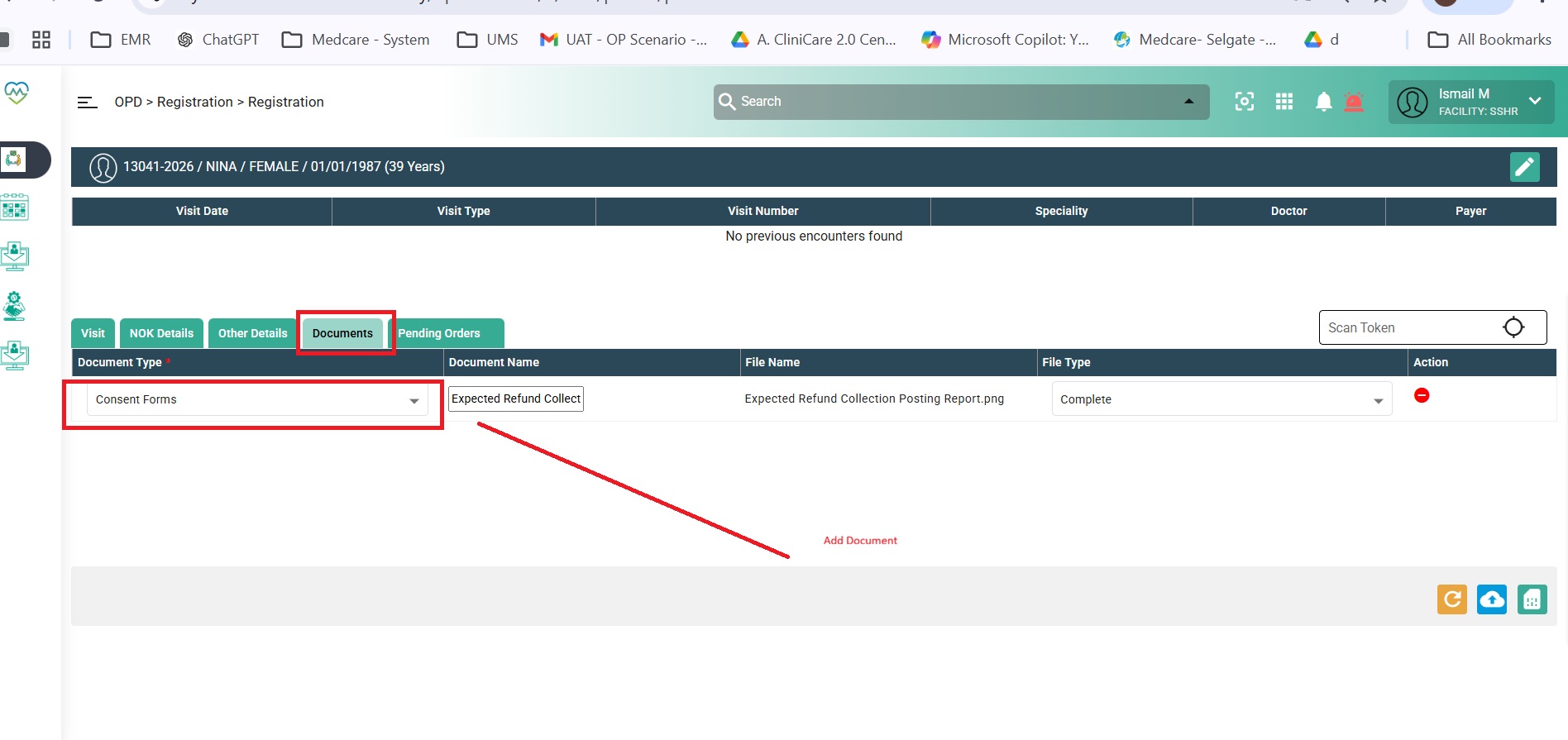
Doctor View:
1.Log in to the system and open the OPD Consultation screen
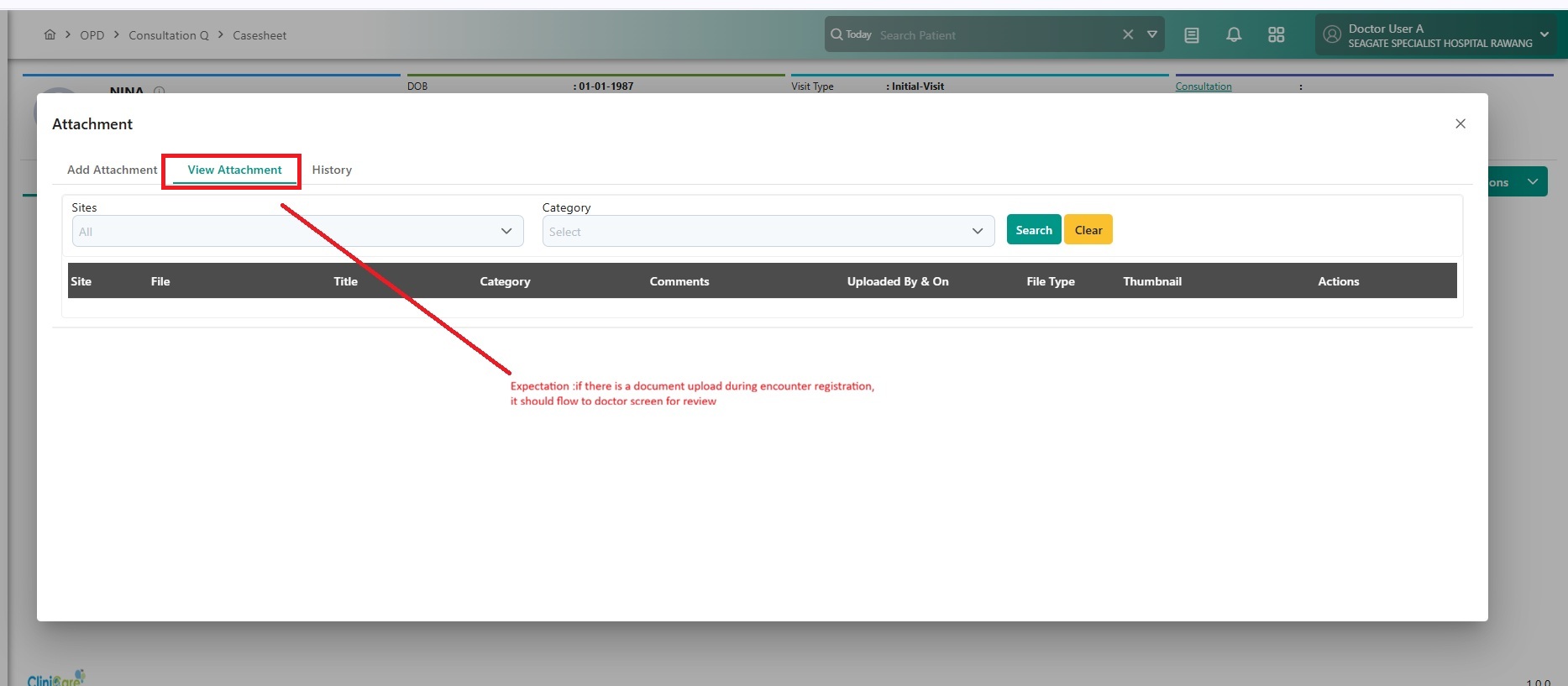
2.Click on Attachments
3.Currently, documents uploaded during encounter registration are not displayed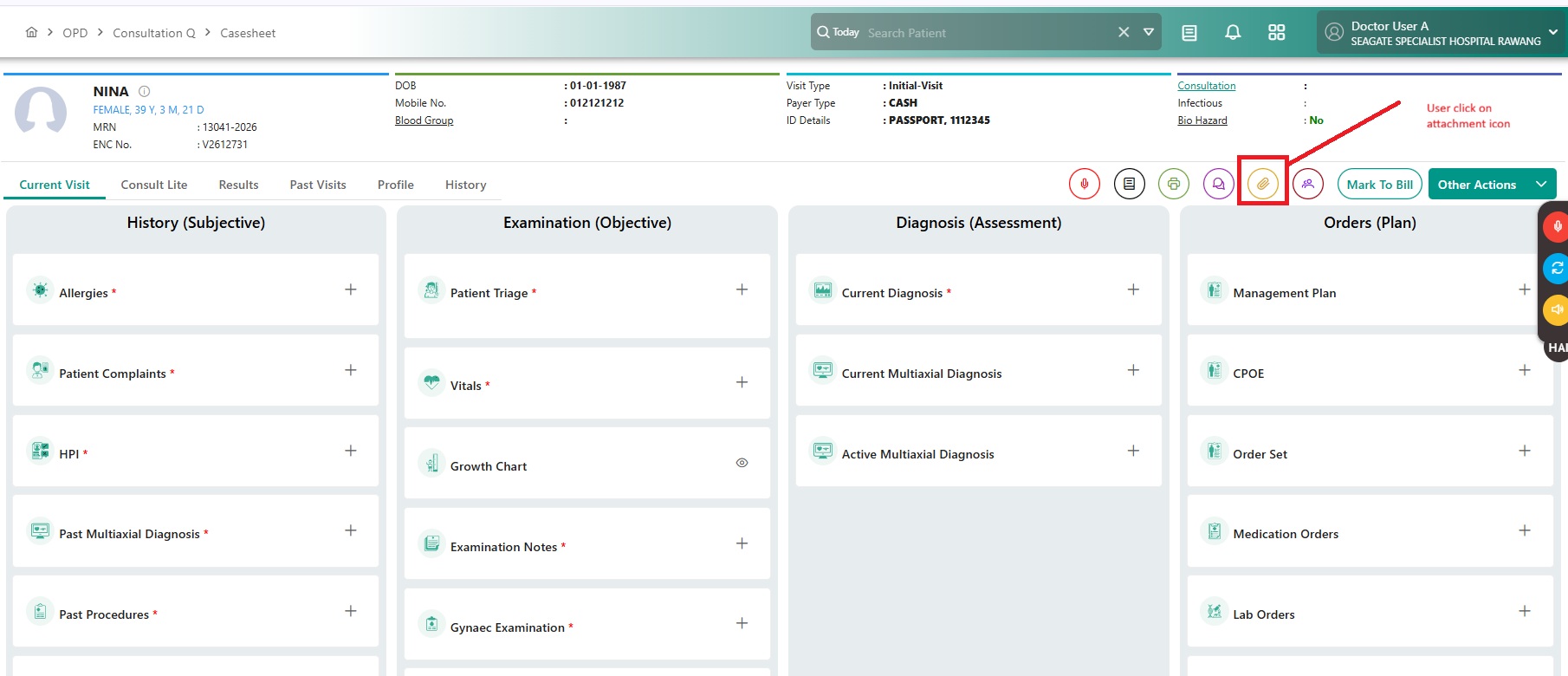
Expected Behavior:
Documents uploaded during encounter registration should be available and visible in the OPD Consultation (Doctor) screen. The system should display relevant details such as document type, uploaded by, category, and other related metadata.
Files