Bug #93558
openMaster > Appointment Scheduling > Doctor/Surgeon. Add Confirmation Prompt for Doctor/Surgeon Deletion in Appointment Scheduling
90%
Description
Issue Description:
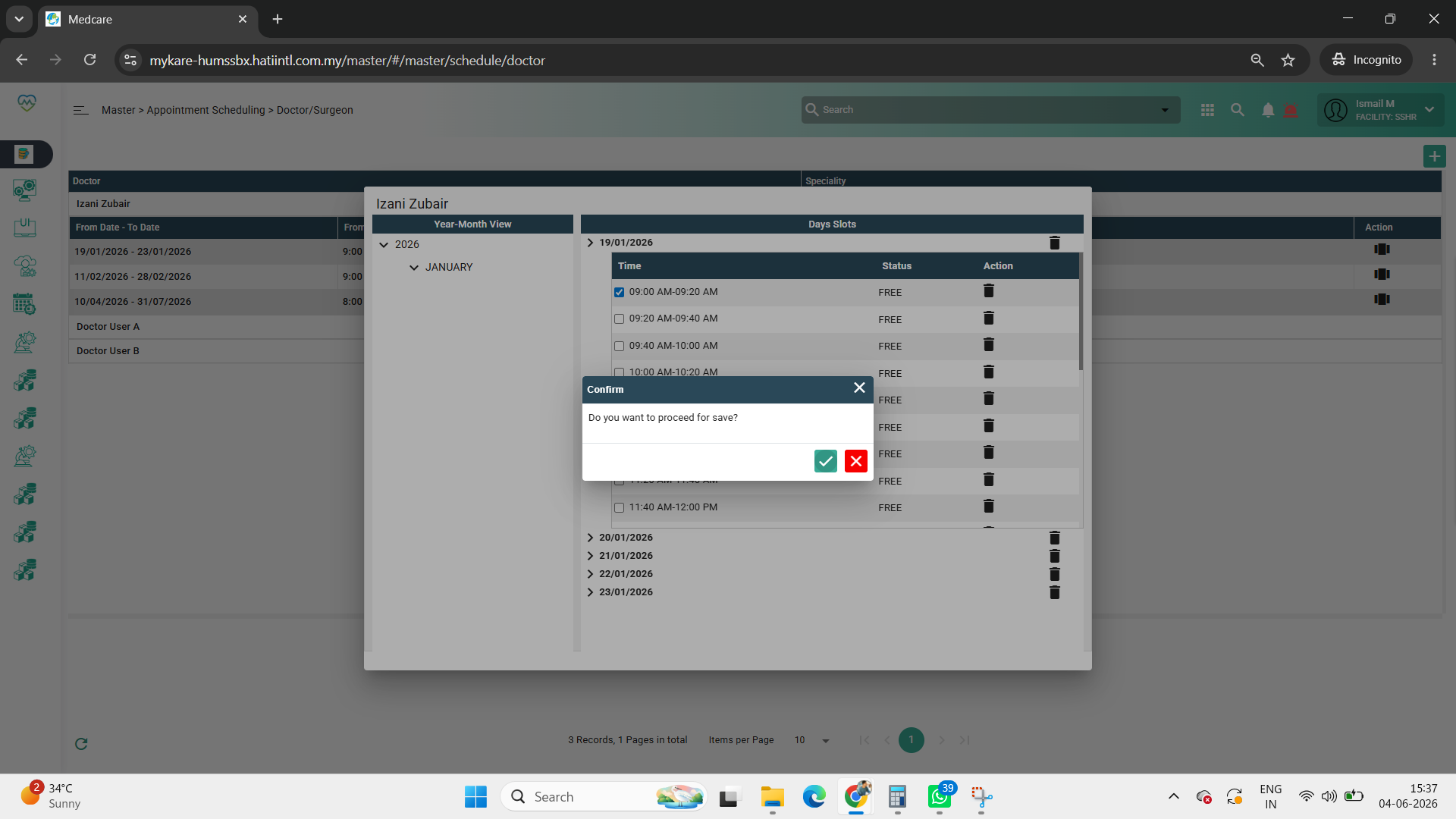
Currently, in Master > Appointment Scheduling > Doctor/Surgeon, the system deletes the selected doctor/surgeon record immediately without displaying any confirmation message. This may lead to accidental deletion of records by users.
Step to reproduce
1.Login System
2.Navigate to > MAster
3.Click on Appointment Scheduling
4.Click on Doctor/Surgeon
5.Observe screen > user able to delete it without confirmation
Expectation:
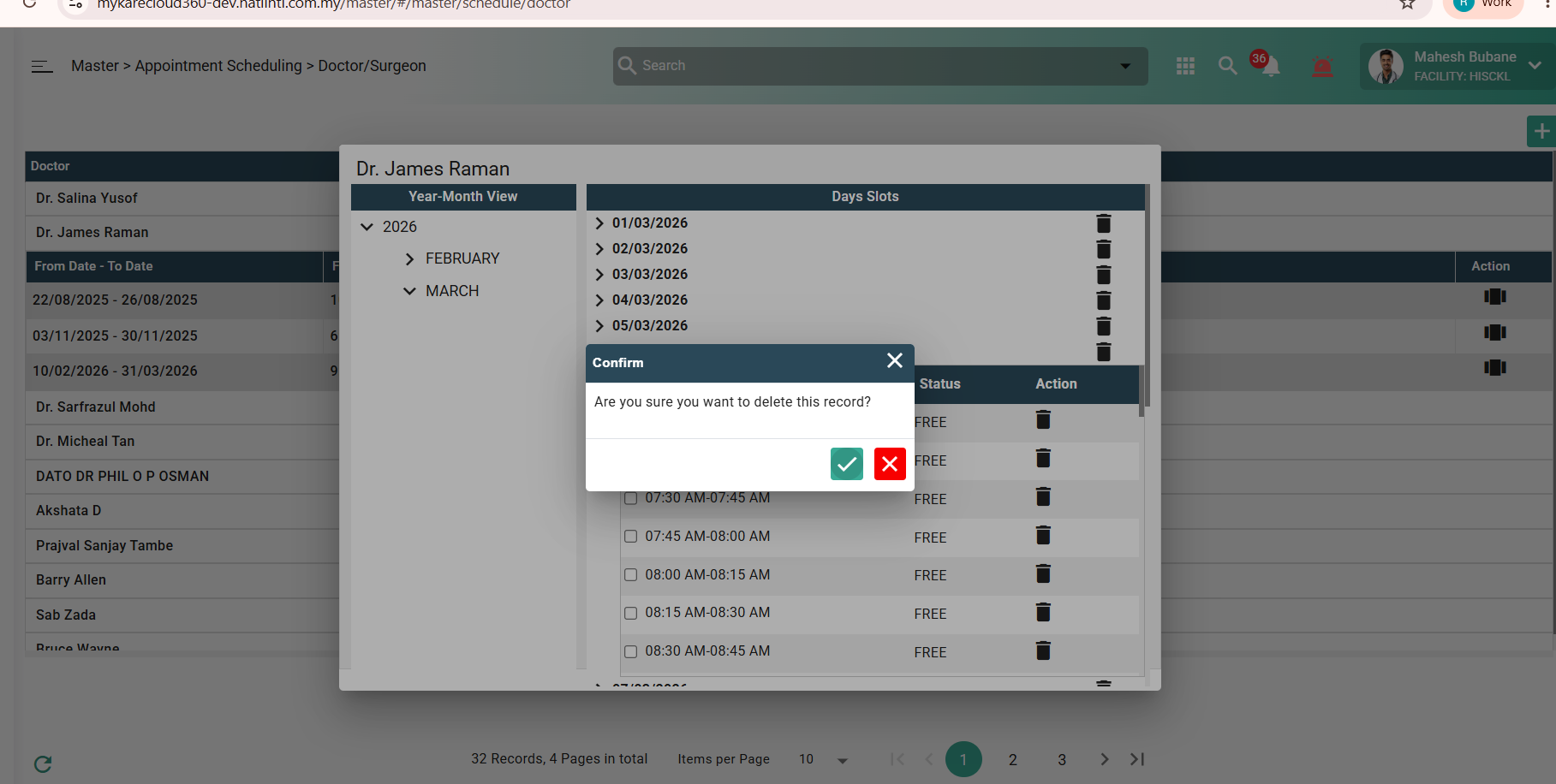
The system should display a confirmation pop-up message before deleting the selected doctor/surgeon record.
Example message:
“Are you sure you want to delete this record?”
Users should be able to choose:
Yes – proceed with deletion
No/Cancel – cancel the deletion action.
Picture 1: Enhancement request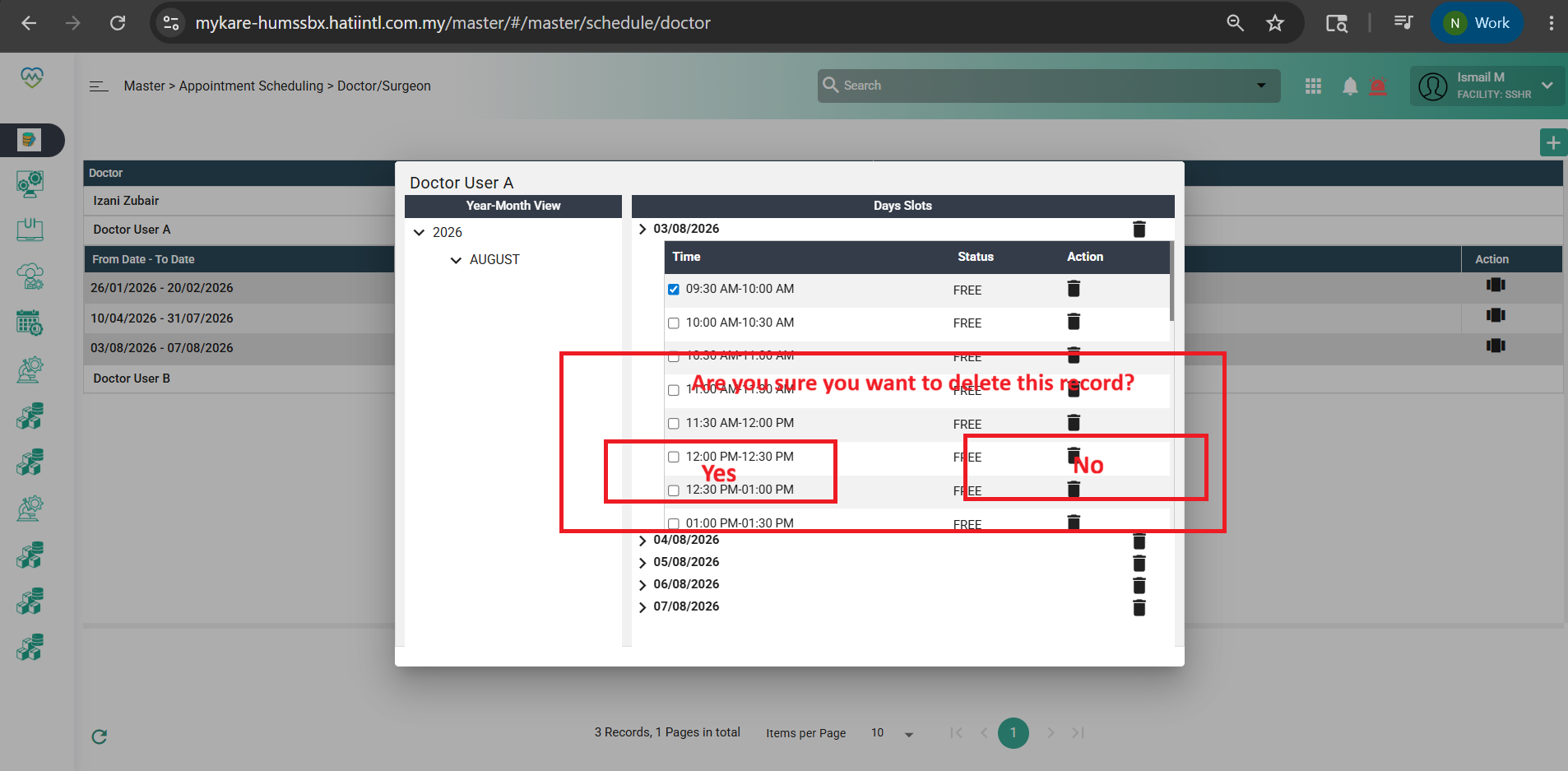
Files